1
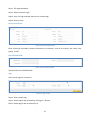
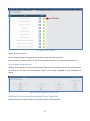
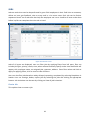
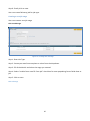
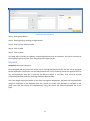
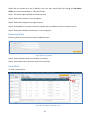
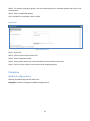
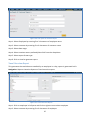
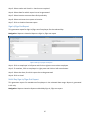
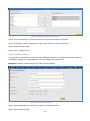
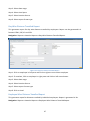
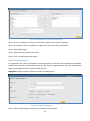
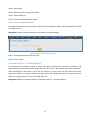
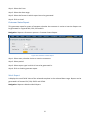
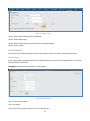
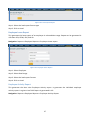
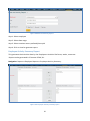
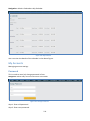
Figure 113:Enable/Disable Workflow
After editing click on save to save the work flow.
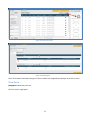
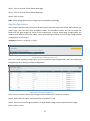
Reports
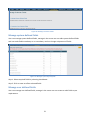
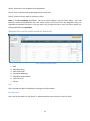
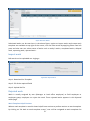
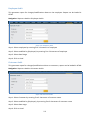
Various reports that are available to user are displayed here reports like customer reports,
employee reports, form reports, job reports, location reports, audits, misc reports, my reports,
route plan reports etc can be checked here. User can also search for reports using search bar at top
right position.
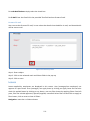
Figure 114: Reports
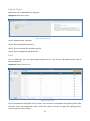
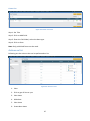
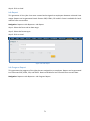
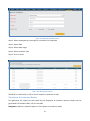
Favourite Reports
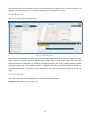
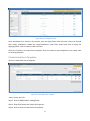
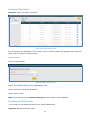
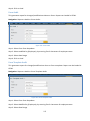
Reports can be made favourite by clicking on the star mark. Frequently accessed reports can be
made as favourite for ease of access. These favourite reports are available under quick links in
home screen, configure screen and in monitor under favourite reports.
74