1
Users Guide
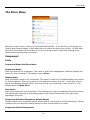
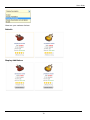
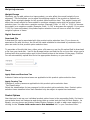
The System Menu
This menu is the gateway to controlling all of the lightning fast background tasks of
ClickCartPro/EuropaCart. We’ll explain each individual menu item as well as each item that lies
beneath it.
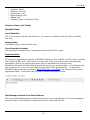
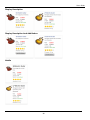
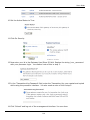
Component
Profile
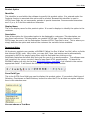
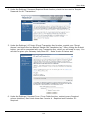
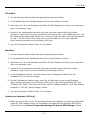
Component Name
Enter the name of the component. This name is used in all management interface displays and
menus for this component. The default name is System. This is only useful if you want to
personalize the Admin section of the product…otherwise, there’s really no reason to change it.
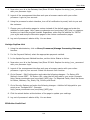
Display Name
Enter the display name of the component. This name is used in all FrontEnd interface displays
and menus to reference the component. This is your name for the system. Again, you can
change to whatever you choose, but in reality, there’s little reason to change it.
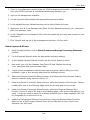
Description
Enter a description for this component. This description is used in management interface menus.
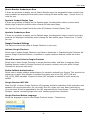
Component Defaults/Component Default Status
Choose whether this component should be the default component for FrontEnd displays. Setting
a default here will cause the default status for other components to be unset.
21