1
 Advanced
RFID AUTHENTICATION
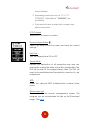
The DL3 features an optional RFID module for a 2nd layer of authentication. A
total of 3 RFID tags can be registered on each DL3 drive.
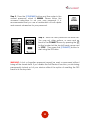
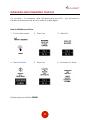
Step 1: If the drive is currently connected,
press the [DISCONNECT] button and then
press the [CONNECT] button on the next
screen. Otherwise, connect the DL3 drive to
your computer.
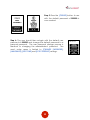
Step 2: Once at the keypad screen,
enter the administrator password. If
the password has not been
changed,
enter
the
default
password 000000 and press the [↵]
symbol.
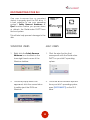
Step 3: Press the [SETUP] button on
the touch screen. If the [SETUP]
button is not selected within 3
seconds, the DataLocker DL3™ will
automatically connect to the host
computer.
21