1
GEM2xxx Operation Manual
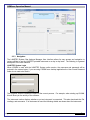
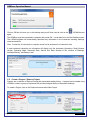
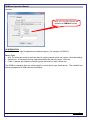
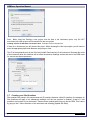
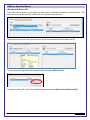
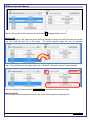
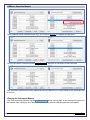
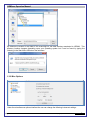
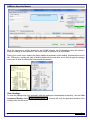
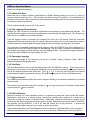
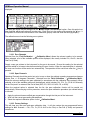
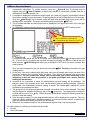
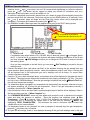
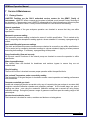
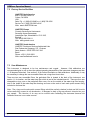
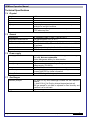
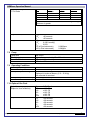
Now move IDs from the Project Side to the Instrument Side by dragging and dropping them.
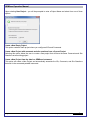
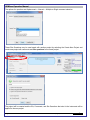
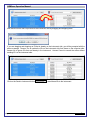
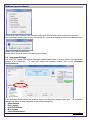
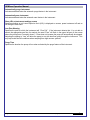
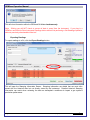
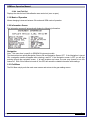
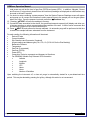
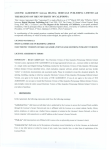
If you are dragging and dropping an ID that is already on the instrument side, you will be prompted with the
above message. Answer Yes to update the IDs on the instrument side from those on the computer side.
Answer No to ignore IDs that are already in the instrument. Answer Cancel to cancel the action without
sending ID‘s to the instrument side.
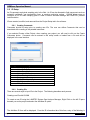
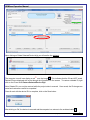
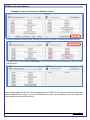
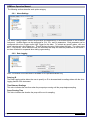
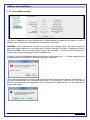
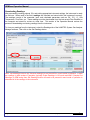
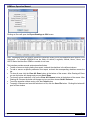
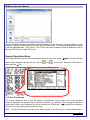
Click on the Send to Instrument button
Page 29
to send these IDs to the instrument.
REV C2 (English) LANDTEC Release Date: November 30th, 2010