1
9 • SELECTING AND STARTING A STORED PROGRAM
OPERATIONS
9.1
• SWITCH ON
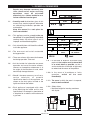
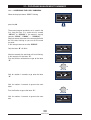
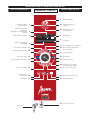
Press key 1; display 8 will show
“MANUAL”. Press key 18: “MANUAL” will
blink. Turn the SCROLLER to display the
required program name (e.g. BREAD);
press key 16 to start cooking.
If the retrieved program has two or more
cycles, display 9 will show [ 1 ], if the time
indicates [ inf ], that is the preheating cycle
of the oven with no load, a beep will signal
when the oven has reached the
temperature.
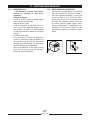
Place the food in the oven (if the program
includes cooking phases with the core
probe, insert the probe and connect to the
appliance).
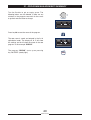
Close the door, display 9 will show [ 2 ] to
indicate switching on cycle 2.
Viewing the settings
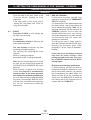
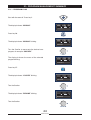
If during START cooking you need to check
the settings for the current cycle, press
key 19. If you want to view the settings of
the following cycles, press key 19, turn the
SCROLLER to search for the required
cycle, the displays will update with the
values assigned to the displayed cycle
without affecting the cooking in progress,
press key 19 again or wait for the end of
TIME OUT* to view the cycle in progress.
.
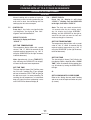
Turning off preheating
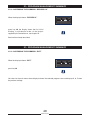
If you want to “skip” cycle 1 for preheating
the oven with no load, it will be sufficient,
after starting with key 16, to keep pressed
for 2 sec. key 19, the program will
automatically go onto cycle 2.
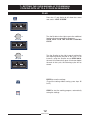
Warning: The preheat stage should be
skipped only when the oven is already hot
from previous cooking.
16
90024445rev00