1
LPC2103 Education Board - User’s Guide
Page 21
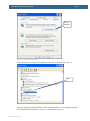
Device
Manager
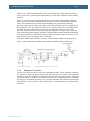
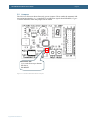
Figure 18 – System Settings Dialog
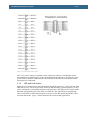
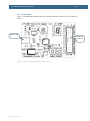
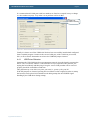
Then select the Device Manager and open the Ports list, as illustrated in Figure 19.
Ports
Figure 19 – Device Manager Dialog
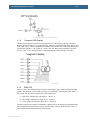
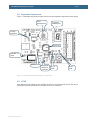
The new COM port (USB Serial Port) will be listed under the Ports list. Right-click on the
new USB Serial Port and select Properties, as illustrated in Figure 20.
Copyright 2009 © Embedded Artists AB