1
Easy Editing in the Grid
45
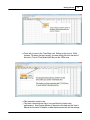
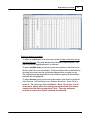
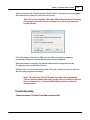
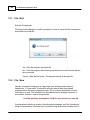
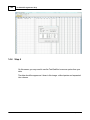
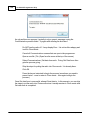
Select the field to be searched (i.e., Receive frequency, Transmit
frequency, etc.)
Enter the text (or numbers) to be found.
Click OK to move to the first item found. The search always begins at
the top of the list and stops at the end.
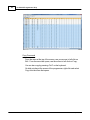
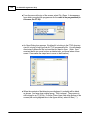
Find Next (F3) - Use the F3 function key to repeat the specified find and move to
the next item. For example: You choose to search for 145 in the Receive Frequency
column in a file with 5 channels beginning with 145. OK in the Find box takes you to
the first one. F3 takes you to the second; then the third; then the fourth: and so on
until you have stopped at each of those that match the criteria.
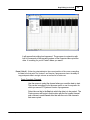
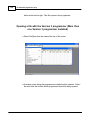
Goto Channel (Ctrl+G) - Moves to the indicated channel number. When this
option is selected a screen opens into which you enter the channel number. Enter
the number and click OK to move to that memory channel (programmed or not).
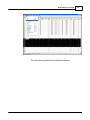
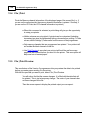
Insert Channel (Shift+Ins) - Inserts a blank row without deleting information
present. The current information and all that follows is "pushed-down" to make
room. The number of rows inserted will equal the number of rows selected. This is a
great way to slip channel information into a list of channels.
© 2013 RT Systems, Inc.