1
T-FLEX Analysis User Manual
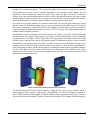
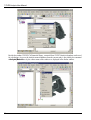
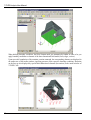
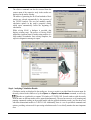
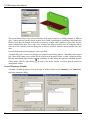
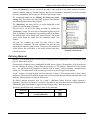
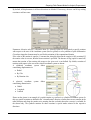
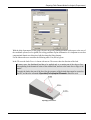
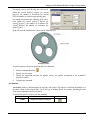
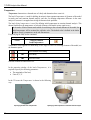
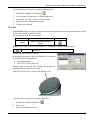
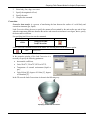
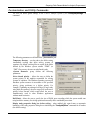
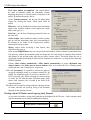
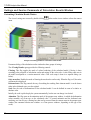
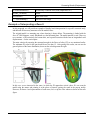
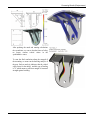
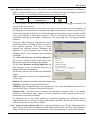
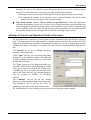
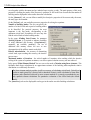
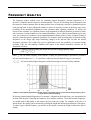
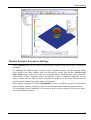
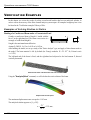
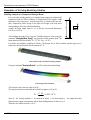
Meshed model display management. The functionality is accessed by double-clicking in the solution
viewer window or by the context menu command «Properties». The user can specify various modes of
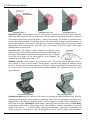
displaying calculation results – over the mesh, without mesh, with or without displaying contour of the
original part and other bodies present in the assembly, displaying deformed state, animating the image, etc.
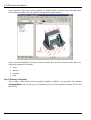
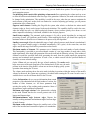
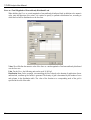
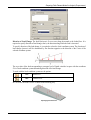
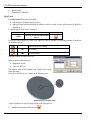
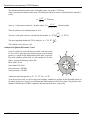
Animation – allows recreating the studied model behavior under a smoothly varying loading, with
simultaneous display of stress or displacement fields corresponding to the varying load.
20