1
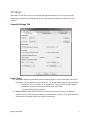
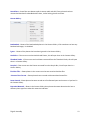
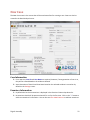
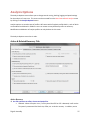
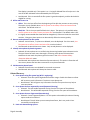
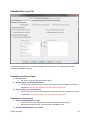
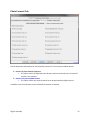
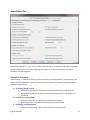
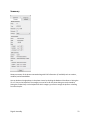
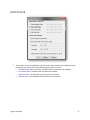
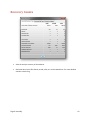
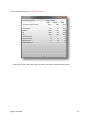
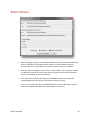
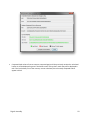
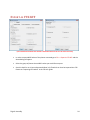
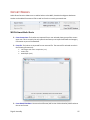
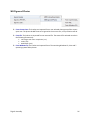
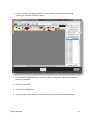
Settings When APF is run for the first time, the Settings dialog (below) appears for a user to set the initial configuration settings. The Settings dialog can also be accessed by selecting from the menu: Tools>Settings. General Settings Tab Default Paths Case Path is where the case folder will be created by default. All case related files such as the log, reports, and case database will be saved here. To change the default path, click on Browse. For example, if the case path is “C:\mysavedcases”, and a new case named "3jpegs" is created then all the case related files will be saved in the folder “C:\mysavedcase\3jpegs” by default. Examiner Path is where examiner details are saved. To change, click on Browse. Multiple examiners can be saved and then subsequently selected when creating a case. APF remembers the examiner information of the most recently created case. Digital Assembly 5