1
HT Functions
KeTop T40
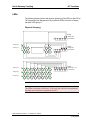
Graphical Text
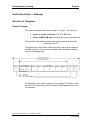
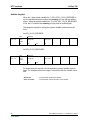
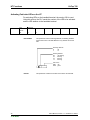
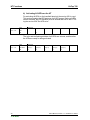
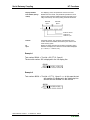
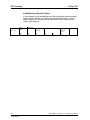
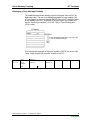
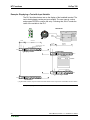
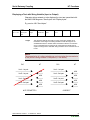
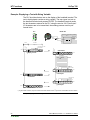
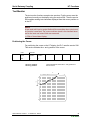
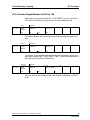
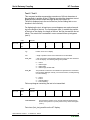
These texts must be prepared in the PLC and can then be sent to the
handheld terminal with the indices B5 and B6.
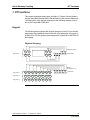
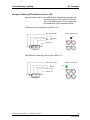
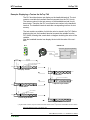
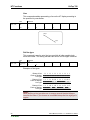
The text can be positioned freely on the display. The text characters may
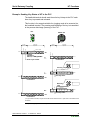
be represented in double height or double width. As standard the characters are displayed in the format 5 x 7 pixels (incl. space 6 x 8 pixels). So
characters with a double height have a format of 5 x 14 pixels (incl. space 6
x 16 pixels) and characters with a double width 10 x 7 pixels (incl. space 12
x 8 pixels).
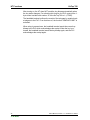
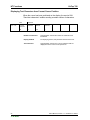
Displaying a character means that the area for the character is cleared and
then the character is written into the empty field. An existing graphic or bitmap representation will be deleted at this position.
Notice
A) Programmed texts stored in the HT can only be displayed in lines or columns. These texts cannot be displayed at any pixel position or with a larger
size.
B) For graphical texts that are directly sent from the PLC to the handheld
terminal display, no editor function is available. That means the HT will not
correctly interpret symbols (___, ###) for the input and output of variables.
62
User's Manual, version: 1.1 / material no.: 62010
© KEBA 2005