1
Panes
3.1
29
Panes
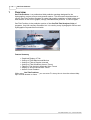
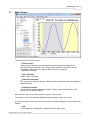
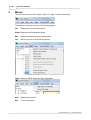
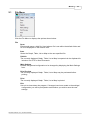
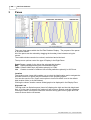
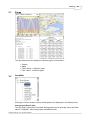
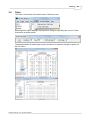
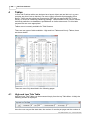
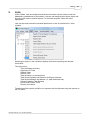
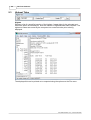
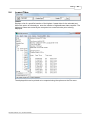
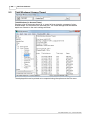
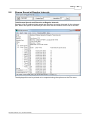
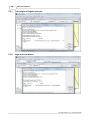
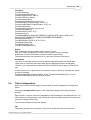
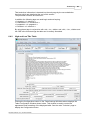
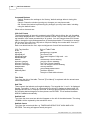
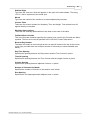
The right hand pane can display the following types of information:·
·
·
·
3.2
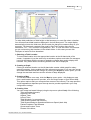
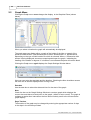
Graphs
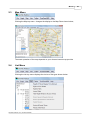
Maps
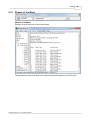
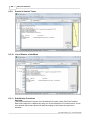
Tide Listings - 6 different types
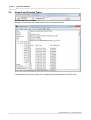
Tide Tables - 2 different types
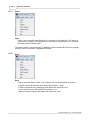
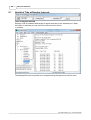
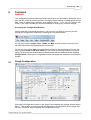
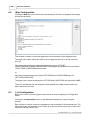
Location
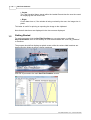
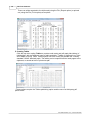
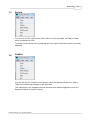
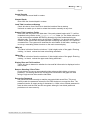
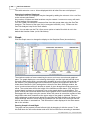
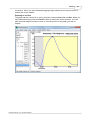
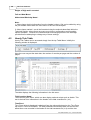
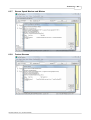
Clicking the chosen location causes a tidal graph to be displayed in the Display Pane.
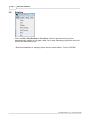
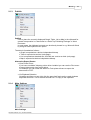
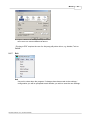
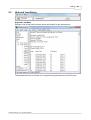
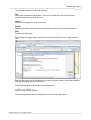
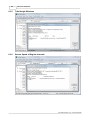
Changing the Root Folder
The root folder is specified in the Main Settings panel and is generally set to the folder
named "TidalData" within the program installation folder.
GeoTide Predictor 3.0.x, © 2015 Geomatix