1
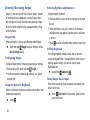
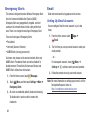
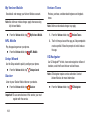
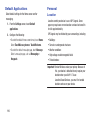
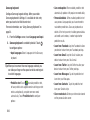
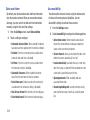
Default Applications
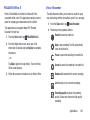
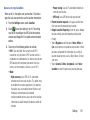
Select default settings for the Home screen and for
messaging.
Personal
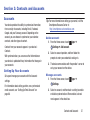
Location
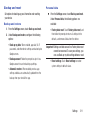
1. From the Settings screen, touch Default
applications.
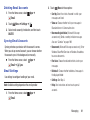
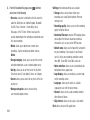
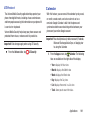
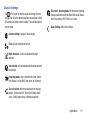
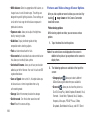
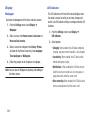
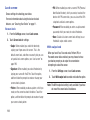
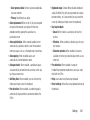
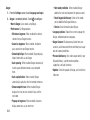
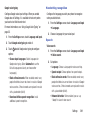
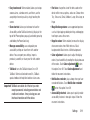
Location control your device's use of GPS signals. Some
apps may require one or more location services be turned On
for full app functionality.
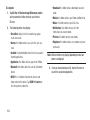
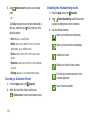
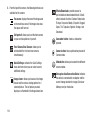
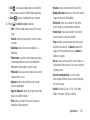
2. Configure the following:
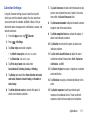
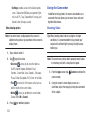
GPS signals may be affected by your surroundings, including:
• To select the default Home screen format, touch Home.
Select TouchWiz easy home or TouchWiz home.
• To select the default messaging app, touch Message.
Select a messaging app, such as Messaging or
Hangouts.
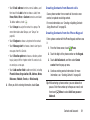
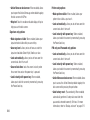
• Buildings
• Tunnels or underground structures
• Weather conditions
• High-voltage or electromagnetic fields
• Tinted windows
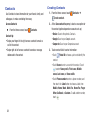
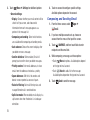
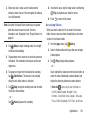
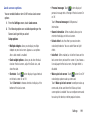
Important! Verizon Wireless values your privacy. Because of
this, your device is defaulted to only acquire your
location when you dial 911. To use
Location-Based Services, you must first enable
location services on your device.
196