1
Chapter 2. Hardware Setup
Installation
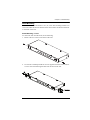
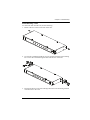
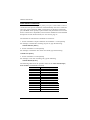
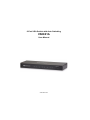
Installation of the VS0801A is simply a matter of plugging in the appropriate
cables.
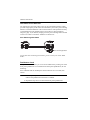
To install the switch, refer to the installation diagram on page 14 as you
perform the following steps:
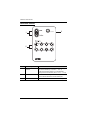
1. Use a VGA cable to connect the VGA input port on the video display
device to the VGA output port on the rear of the VS0801A, and connect the
speakers to the Audio output port.
2. Use VGA/Audio cables* to connect the VGA/Audio output ports on the
source device(s) to the VGA/Audio input ports on the VS0801A. Eight
VGA/Audio input ports are located on the rear of the switch.
3. Plug the provided power adapter into an appropriate AC power source;
plug the power adapter cable into the Power Jack on the VS0801A.
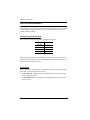
4. To connect an RS-232 serial controller (such as a PC), use a serial cable to
connect the VS0801A's RS-232 port to the RS-232 device. To configure the
serial port and use RS-232 commands, see page 18.
The installation is complete, you may power on the display and source devices.
Note: Port Switching VGA Cables are available and sold through authorized
ATEN dealers (See Installation Diagram, page 14, for details).
13