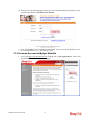
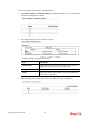
8.
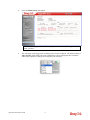
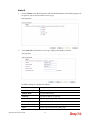
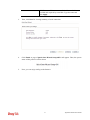
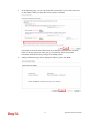
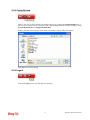
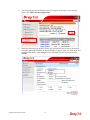
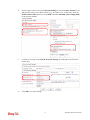
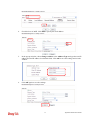
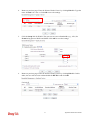
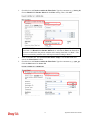
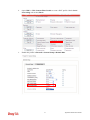
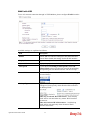
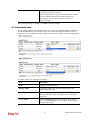
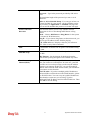
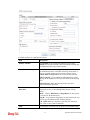
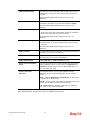
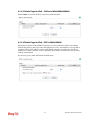
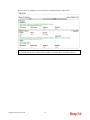
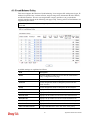
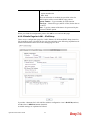
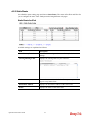
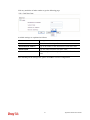
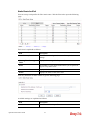
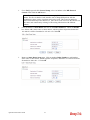
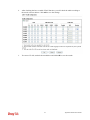
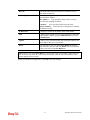
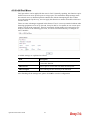
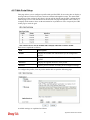
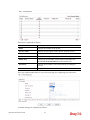
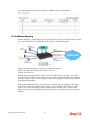
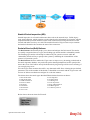
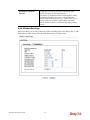
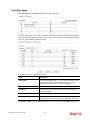
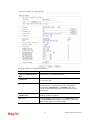
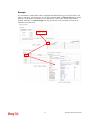
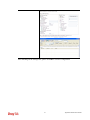
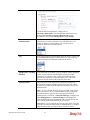
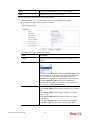
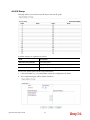
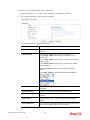
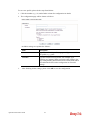
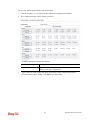
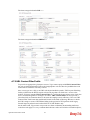
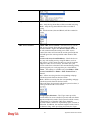
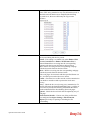
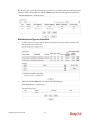
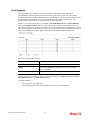
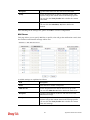
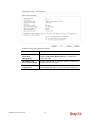
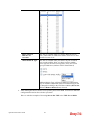
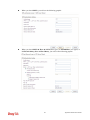
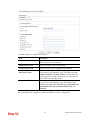
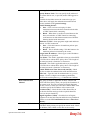
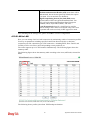
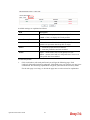
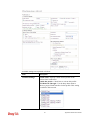
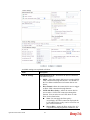
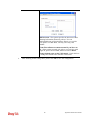
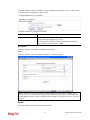
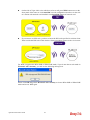
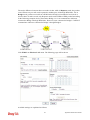
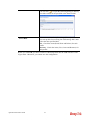
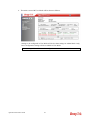
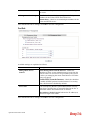
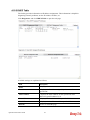
Both filter rules have been created. Click OK.
9.
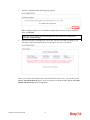
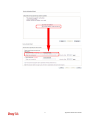
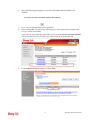
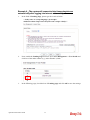
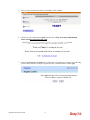
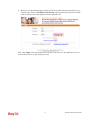
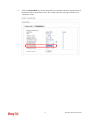
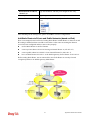
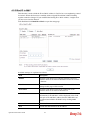
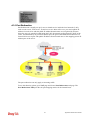
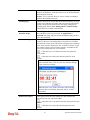
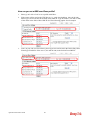
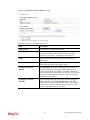
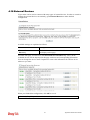
Now, all the settings are configured well. Only the computers with the IP addresses
within 192.168.1.10 ~ 192.168.1.20 can access to Internet.
81
Vigor2912 Series User’s Guide