1
Setting Jitter/Wander Parameters
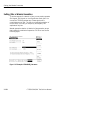
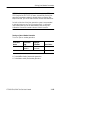
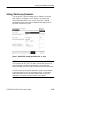
6. If you selected Onset of Errors, skip to step 12. If you selected
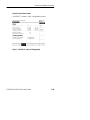
BER Penalty, continue with step 7 (see the following figure).
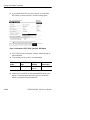
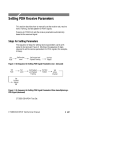
Figure 3 66:Example of TEST SETUP, Jitter Tests, BER Method
7. The CTS850 must be connected to a network element through an
optical attenuator.
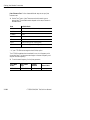
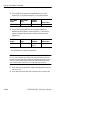
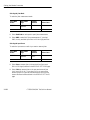
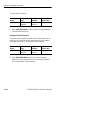
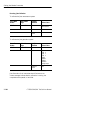
8. To set a baseline bit-error rate for the measurement:
Press Menu
Button
Select Menu
Page
Highlight
Parameter
TEST SETUPS
JITTER TESTS
Record Error
Threshold
Select Choice
Measure BER
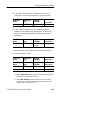
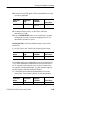
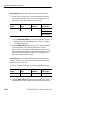
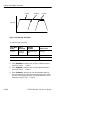
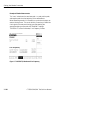
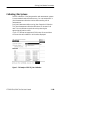
9. Observe the Current BER and Recommended BER values in the
display. Increase the optical attenuation until the Current BER
reaches or exceeds the Recommended BER.
3 164
CTS850 SDH/PDH Test Set User Manual