1
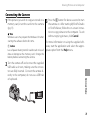
Printing Pictures via USB
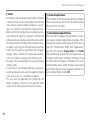
1 Notes
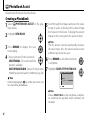
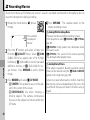
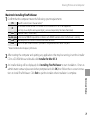
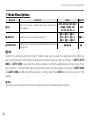
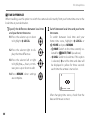
• Print orders can contain a maximum of 999 pictures.
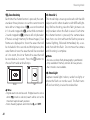
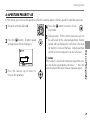
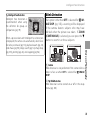
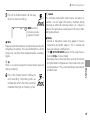
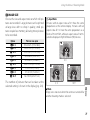
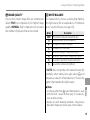
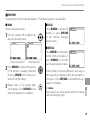
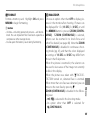
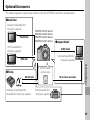
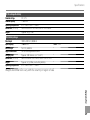
RESET DPOF OK?
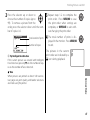
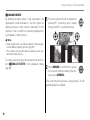
• If a memory card is inserted
containing a print order created by another camera, the
message shown at right will
YES
NO
be displayed. Pressing MENU/
OK cancels the print order; a
new print order must be created as described above.
68
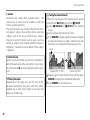
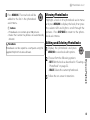
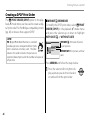
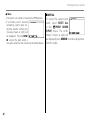
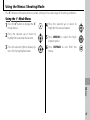
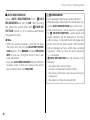
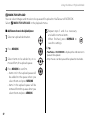
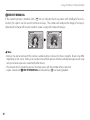
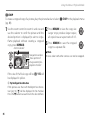
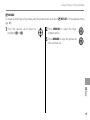
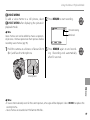
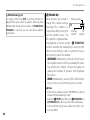
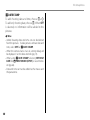
■ RESET ALL
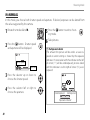
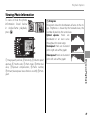
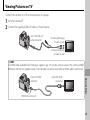
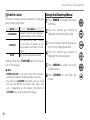
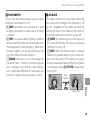
RESET DPOF OK?
To cancel the current print
order, select RESET ALL
in the K PRINT ORDER
(DPOF) menu. The confirYES
CANCEL
mation shown at right will
be displayed; press MENU/OK to remove all pictures
from the order.