1
GRIDLINK User Manual
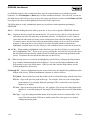
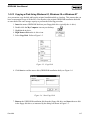
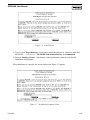
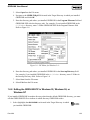
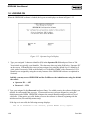
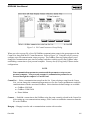
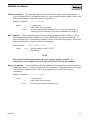
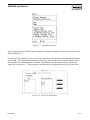
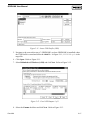
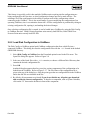
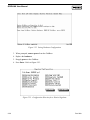
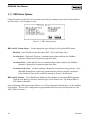
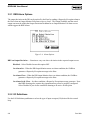
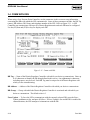
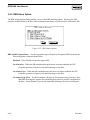
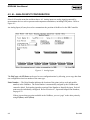
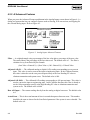
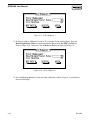
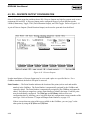
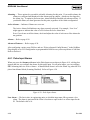
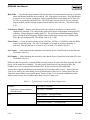
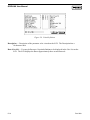
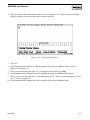
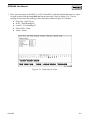
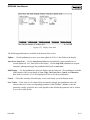
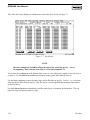
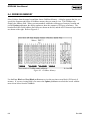
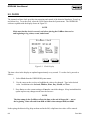
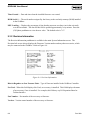
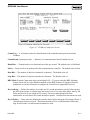
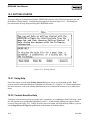
Figure 2-19. New or Existing Backup
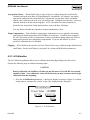
6. Click New or Existing. When you create a New backup, the GridBoss reinstalls the current
configuration of the device after the hardware is installed. If you choose Existing backup, the
GridBoss reinstalls the configuration based on the last backup you created and does not return
the GridBoss to its current state.
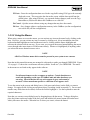
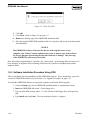
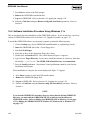
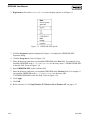
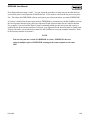
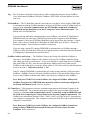
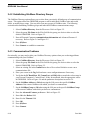
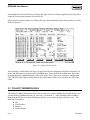
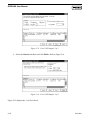
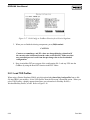
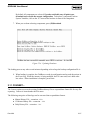
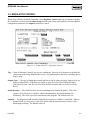
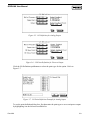
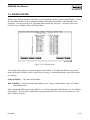
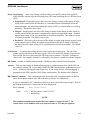
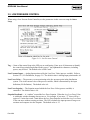
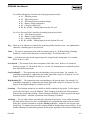
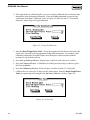
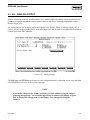
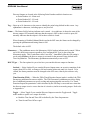
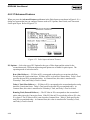
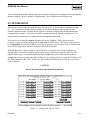
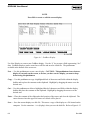
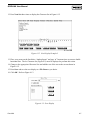
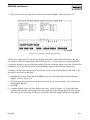
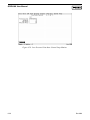
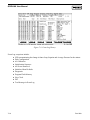
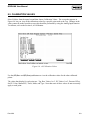
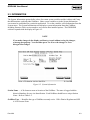
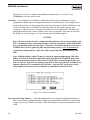
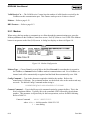
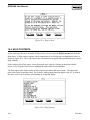
The Open File dialog box appears for specifying a File Name to download. Refer to Figure
2-20. The Open File dialog displays the names of all files with the .BIN extension located in
the default directory.
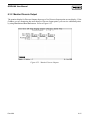
Figure 2-20. Update Firmware Open File Dialog
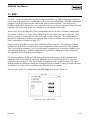
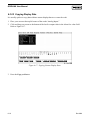
7. Navigate to the floppy disk drive location where the Update Firmware file is located. You
can change the path to the directory containing the file using the Directory/Drive field.
8. Select the desired file from the Files list, which is the file on the floppy disk. The file has a
.BIN extension. With the desired file highlighted, press OK.
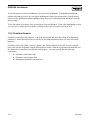
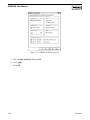
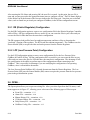
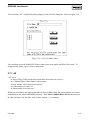
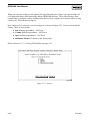
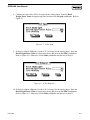
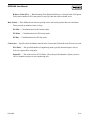
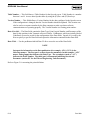
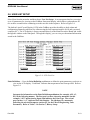
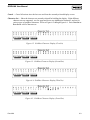
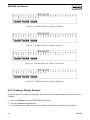
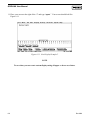
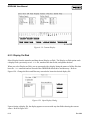
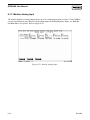
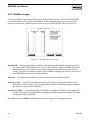
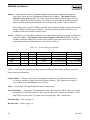
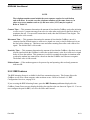
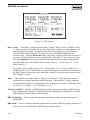
The file begins loading, with the Status Line showing the progress in four categories: Segment,
Address, Block Size, and Total Sent. The loading process may take several minutes depending on the
firmware.
2-24
Rev 9/99