1
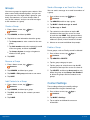
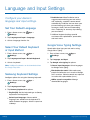
Use Google Voice Typing
Instead of typing, speak your text input.
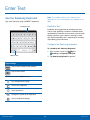
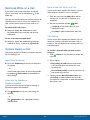
To enable Google Voice Typing:
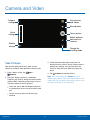
1. On the Samsung Keyboard, tap Google Voice
Typing. You may need to touch and hold the
Options key (left of the Space key) to find it.
2. Speak your text.
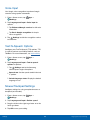
Configure Google Voice Typing
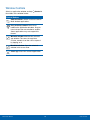
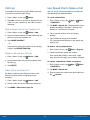
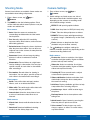
To customize Google Voice Typing:
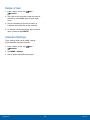
1. From a Home screen, tap
Apps >
Settings > Language and input.
2. Tap Google voice typing for options.
Know Your Device
21
Enter Text