1
OMSConnect User Manual
2: All Users
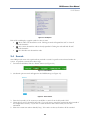
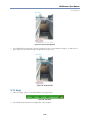
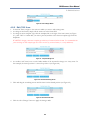
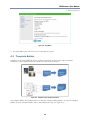
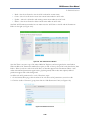
3. The Note Text box will be emptied and the new note contents will appear in the “Content Notes” box
(see Figure 2.21).
Figure 2.21. Edited Note Display
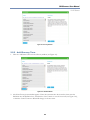
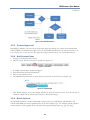
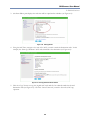
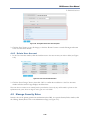
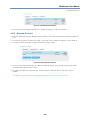
4. To delete a note, click the “Edit” hyperlink to the right of the note header (see Figure 2.19), then click
the “Delete” button (see Figure 2.22). The note no longer appears in the Content Notes box.
Figure 2.22. Delete Note
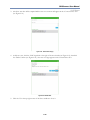
5. Click the ‘X’ in the top right corner of the Notes window to close it.
2-10