1
3
IP Camera Setup
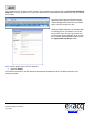
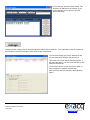
By default, the exacqVision Server only records video in which motion has been detected. You must ensure that your
page), or change the
cameras have valid motion detection settings (which can be done from the IP Camera Setup
recording schedule to Free Run (from the Schedule
page).
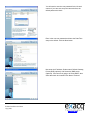
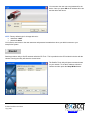
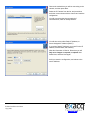
The camera’s default values will be used for image resolution and frame rate until they are set by the user. These values
should be checked and updated if necessary (from the IP Camera Recording Setup
page). If the default resolution is
not 4:3 aspect ratio, the resolution is marked as “invalid”. This should be changed to a 4:3 resolution from the Resolutions
dropdown menu for properly scaled video recording.
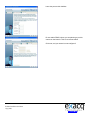
For more detailed instructions, see the IP Camera Setup section of the exacqVision User Manual or the context sensitive
online help file.
4
Network Configuration
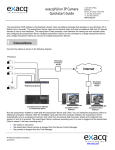
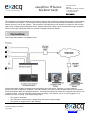
If you plan to have clients from outside your local network access your exacqVision Server, you will need to change your
router settings to forward port 22609 to the exacqVision Server’s IP address. See your router manual or go to
www.portforward.com /routers.htm for instructions.
IP Video Surveillance Solutions
1/23/2009
www.exacq.com