1
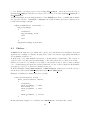
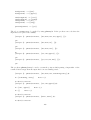
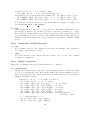
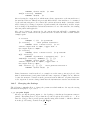
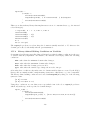
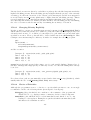
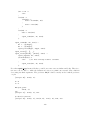
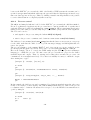
[eclipse 1]: exit(99).
csh% echo $status
99
Note that halt is equivalent to exit(0).
20.2.4
Time and Date
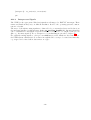
The current date can be obtained in the form of a UNIX date string:
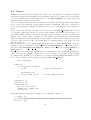
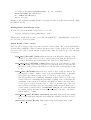
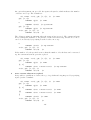
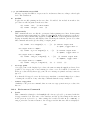
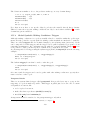
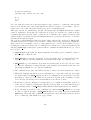
[eclipse 1]: date(Today).
Today = "Tue May 29 20:49:39 1990\n"
yes.
The library calendar contains a utility predicate to convert this string into a Prolog structure.
Another way to access the current time and date is the global flag unix_time. It returns the
current time in the traditional UNIX measure, i.e., in seconds since 00:00:00 GMT Jan 1, 1970:
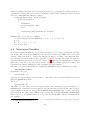
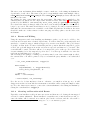
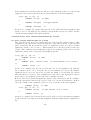
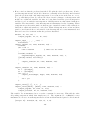
[eclipse 1]: get_flag(unix_time, Now).
Now = 644008011
yes.
Other interesting timings concern the resource usage of the running ECLi PSe . The statistics/2
built-in gives three different times, the user cpu time, the system cpu time and the elapsed real
time since the process was started (all in seconds):
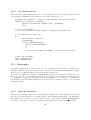
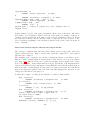
[eclipse 1]: statistics(times, Used).
Used = [0.916667, 1.61667, 2458.88]
yes.
The first figure (user cpu time) is the same as given by cputime/1.
20.2.5
Host Computer
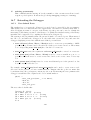
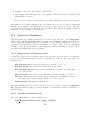
Access to the name and unique identification of the host computer where the system is running
can be obtained by the two global flags hostname and hostid, accessed via get flag/2 or env/0.
These flags might not be available on all machines, get flag/2 fails in these cases.
20.2.6
Calling C Functions
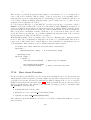
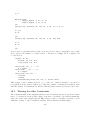
Other data may be obtained with the predicate call c/2 which allows to call directly any C
function which is linked to the Prolog system. Functions which are not linked can be loaded
dynamically with the load/1 predicate.
20.3
File System
A number of built-in predicates is provided for dealing with files and directories. Here we
consider only the file as a whole, for opening files and accessing their contents refer to chapter
10.
208