1
Operating instructions Tele-Network
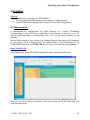
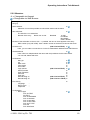
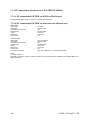
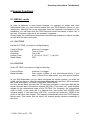
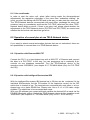
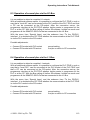
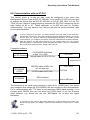
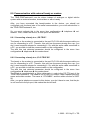
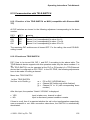
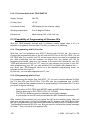
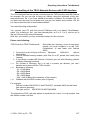
How do the messages come from the PLC to the handy ?
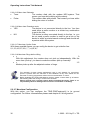
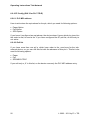
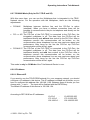
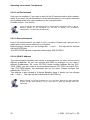
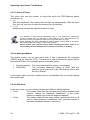
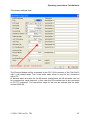
For the PLC-access connections are required. For the SIMATIC S7 currently the
connections are supported via MPI or TCP/IP. These connections should be
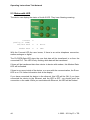
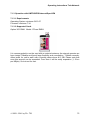
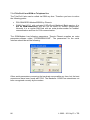
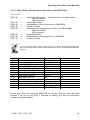
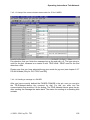
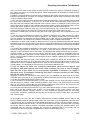
projected in the following dialog.
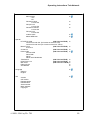
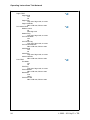
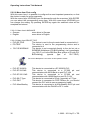
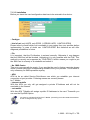
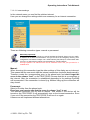
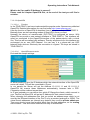
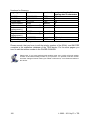
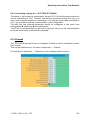
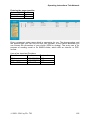
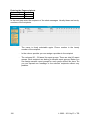
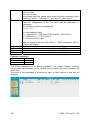
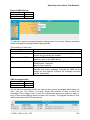
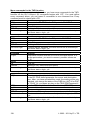
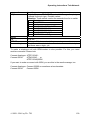
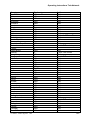
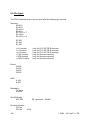
Projecting the PLC-Connections
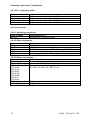
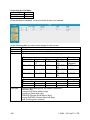
Access rights Level
Write
Superuser
Read / View
U2
-
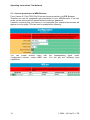
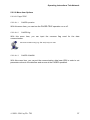
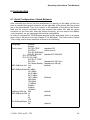
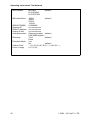
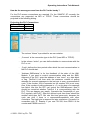
The column “Name” is provided for an own notation.
-
„Connect“ is the connection type to the PLC (here MPI or TCP/IP).
-
In the column “active” you can define whether to communicate with the
PLC or not
-
„Cycle“ defines the time periode after which the next communication to
the PLC should start.
-
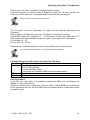
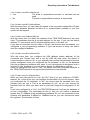
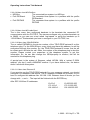
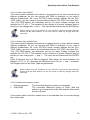
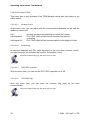
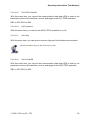
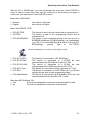
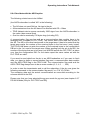
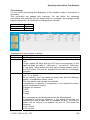
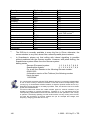
“Address SMS-status“ is for the feedback of the state of the HMIModule. If you want to control communication state and the SMSshipment of the PLC, enter the address of one “word”, e.g. data block
or flag. TeleProf II will then write the maximum number of polling
attempts for queued messages to the low byte in every communication
cycle. If the number 254 is exceeded so the number 254 is set every
time. If the number of polling attempts is > 0, so the drop of a message
has failed. Like this the PLC can control the SMS-shipment. Now it
should be controlled whether TeleProf II is communicating with the
PLC. This can happen very easily. Overwrite the Counterbyte of your
PLC regularly with 0xFF. After the defined cycle time there should be
another value then 0xFF. But rate this time generously, because the
cycle can shift if there is a communicationproblem with other
controllers. The high byte is reserved for later extensions. Currently it is
overwritten with “0”. Examle: If you use FW 200, then FB201 is the
counter and FB200 is set to 0.
© 2003 - 2011 by PI + TIS
127