1
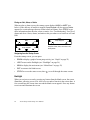
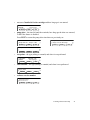
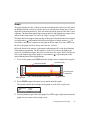
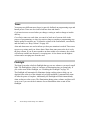
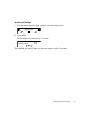
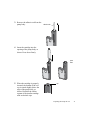
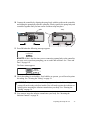
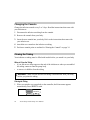
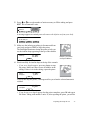
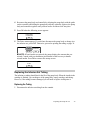
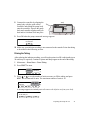
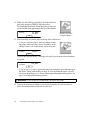
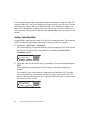
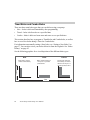
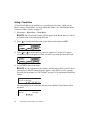
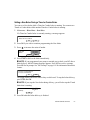
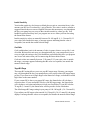
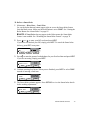
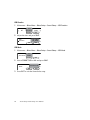
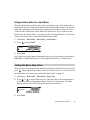
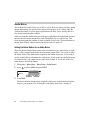
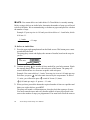
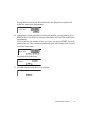
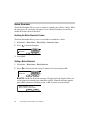
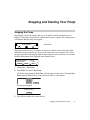
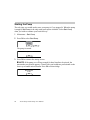
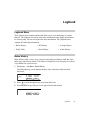
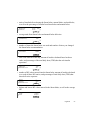
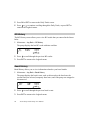
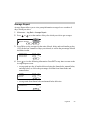
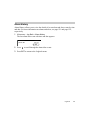
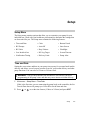
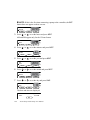
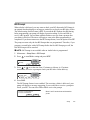
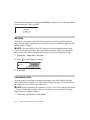
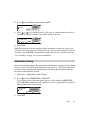
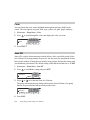
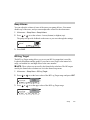
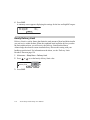
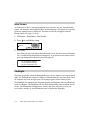
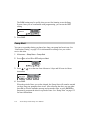
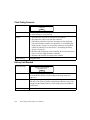
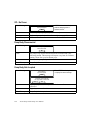
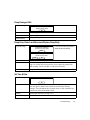
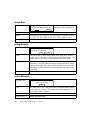
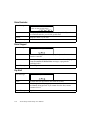
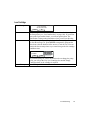
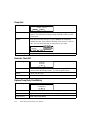
Beep Volume You can adjust the volume of some of the tones your pump delivers. You cannot disable any of the tones, and you cannot adjust the volume for the alarm tones. 1 Main menu > Setup Menu > Beep Volume 2 Press or + to set the volume—lowest (bottom) to highest (top). The pump will provide feedback on the tones as you move through the settings. Set Beep Volume + SAVE 3 EXIT Press SAVE. BG Log Target The BG Log Target setting allows you to set your BG Log range that is used for Logbook calculations and the graph. If you want to set a single value instead of a range, set both the low and high values to the same number. NOTE: These values are not used by the Smart bolus calculator. The BG targets used by the Smart bolus calculator are set in the Smart Setup menu. 1 Main menu > Setup Menu > BG Log Target 2 Press or + to set the lower value of the BG Log Target range and press NEXT. 100 Set Low BG Log Target BACK 3 Press NEXT + EXIT or + to set the upper value of the BG Log Target range. 150 Set High BG Log Target BACK mg/dL SAVE mg/dL + EXIT Setup 109