1
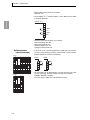
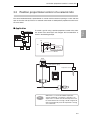
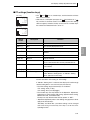
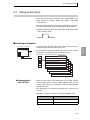
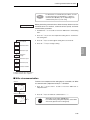
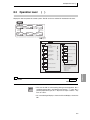
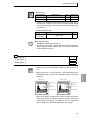
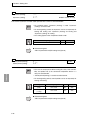
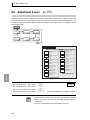
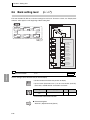
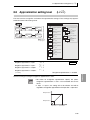
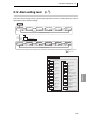
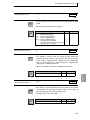
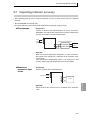
8.12 Alarm setting level (l.3)
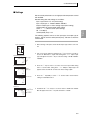
CH
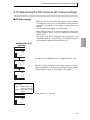
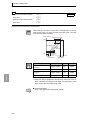
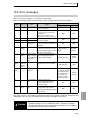
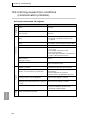
Standby sequence restart
l.3
rest
Alarm types 1 to 4 = With standby sequence
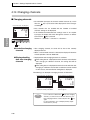
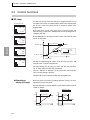
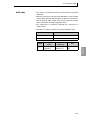
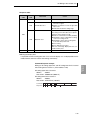
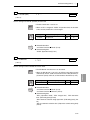
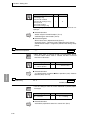
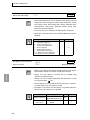
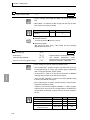
• Use this setting to select the condition for restarting the standby
sequence after it has been canceled.
Function
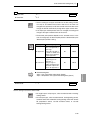
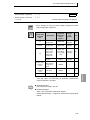
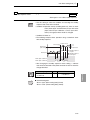
• Condition A: Operation startup (including power on), when an alarm
value (alarm upper- and lower-limit) or input shift value
(input value for input calibration 1 and 2, input shift 1
and 2) is changed, or when the SP is changed.
• Condition B: Power on
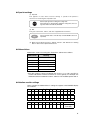
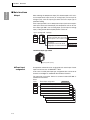
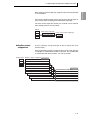
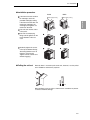
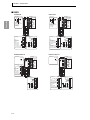
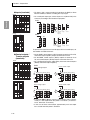
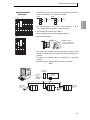
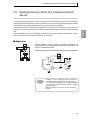
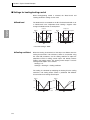
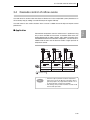
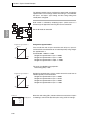
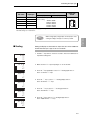
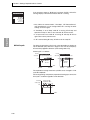
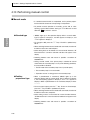
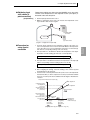
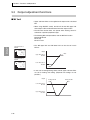
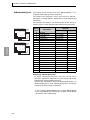
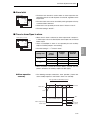
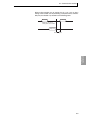
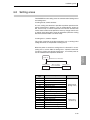
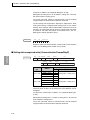
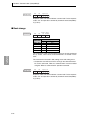
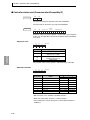
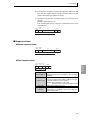
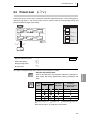
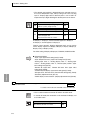
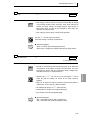
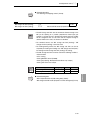
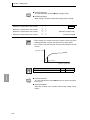
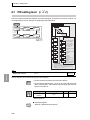
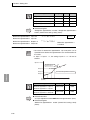
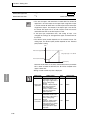
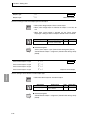
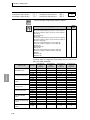
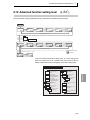
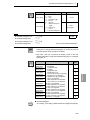
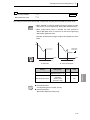
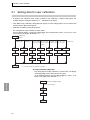
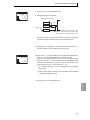
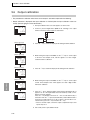
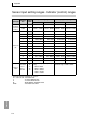
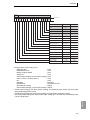
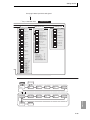
• The following example shows operation using a lower-limit alarm
with standby sequence.
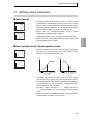
SP change
Condition A only
Alarm point
(after change)
Alarm hysteresis
Condition A only
Alarm point
O : Standby sequence
off point
O : Standby sequence
restart point
Alarm output: Condition A
Alarm output: Condition B
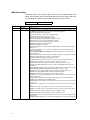
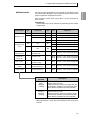
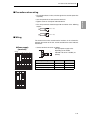
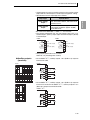
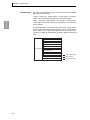
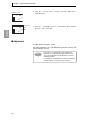
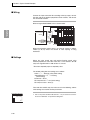
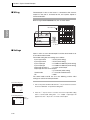
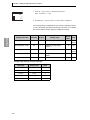
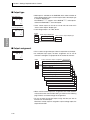
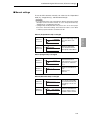
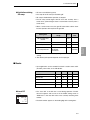
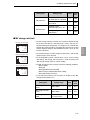
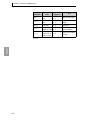
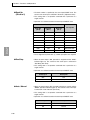
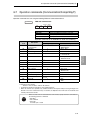
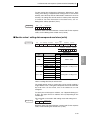
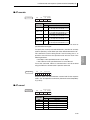
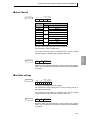
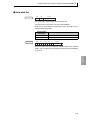
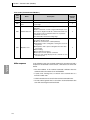
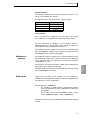
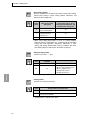
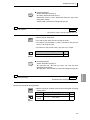
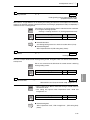
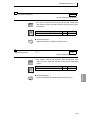
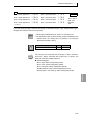
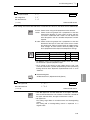
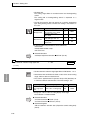
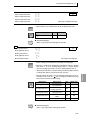
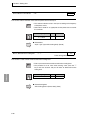
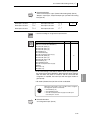
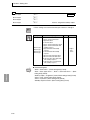
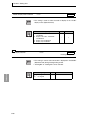
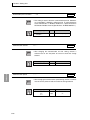
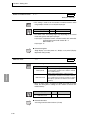
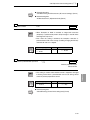
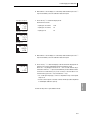
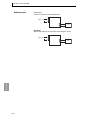
Setting range
Setting
Reference
a: Condition A
b: Condition B
Units
Default value
−
a: Condition A
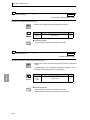
Setting data
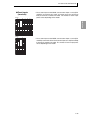
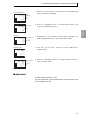
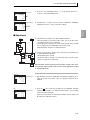
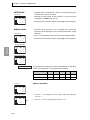
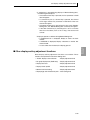
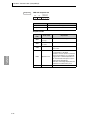
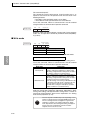
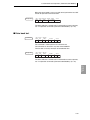
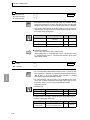
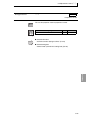
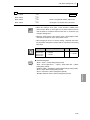
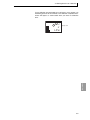
• After changing the standby sequence restart setting, a software
reset must be executed or the power turned off and on to make the
change take effect.
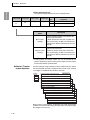
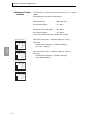
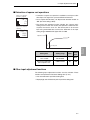
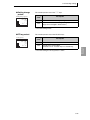
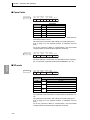
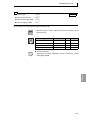
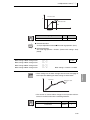
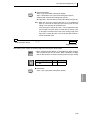
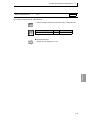
● Related setting data
"Alarm ∗ type" (Alarm setting level) (P.8-54)
"Alarm ∗ latch" (Alarm setting level) (P.8-55)
8-57