1
EVS Broadcast Equipment SA
Issue 6.10.B - June 2015
Archipelago Mode
When workgroups/islands are configured in an archipelago framework, each workgroup
can have a Master and several slaves. So the Intersite Mng Master service can run as
active Master or non active Master.
Amongst all the workgroups, the Master Intersite Mng service with the lowest priority
number takes the active Master role.
The active Master is the only Intersite Mng service which manages status requests in the
archipelago. There is only one active Master per archipelago.
In case several Intersite Mng services have the priority 1, the first one which is started
becomes the active Master.
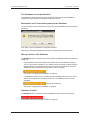
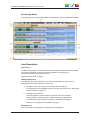
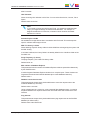
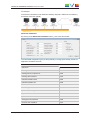
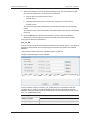
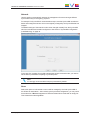
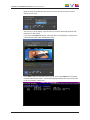
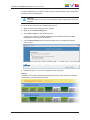
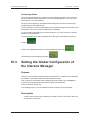
The active Master role is clearly identified with a dark green status within the Remote
Installer:
The non active Master(s) has/have an intermediate dark green color:
.
The Slave(s) has/have a light green status:
16.3.
Setting the Global Configuration of
the Intersite Manager
Purpose
This step is used to define the parameters of the distant site: IP address of the database
and Xsquare, Sent folder used for the intersite data exchange.
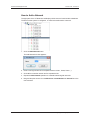
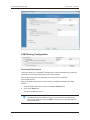
This is done from the Intersite tab of the Edit Workgroup window. Click Configure to
access the Edit Workgroup window and then select the Intersite tab.
This must be done on each site.
In Archipelago mode, it must be repeated for each workgroup of the archipelago.
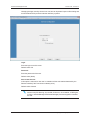
Prerequisite
•
118
An XML Unit must have been created from the XML Unit tab. See section "XML Unit
Configuration" on page 46.
16. Configuring Intersite