1
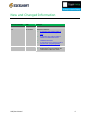
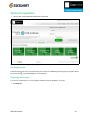
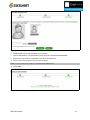
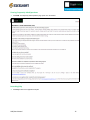
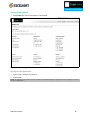
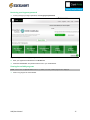
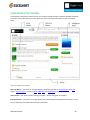
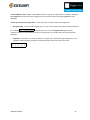
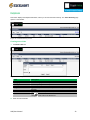
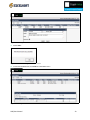
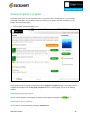
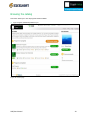
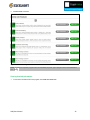
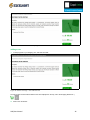
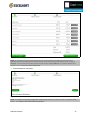
Links and Buttons on the screen - Links and Buttons help in carrying out a specific task. For example, clicking the Tech support link will open the technical support pop-up in the same window and clicking Logout will exit the application. Commonly used across the application – These actions are commonly used across the application: Navigation path – This is the path navigated by you to your current location, located below the welcome banner. For example, denotes that you are now on the Program details page. This trail, commonly referred to as the breadcrumb, allows you to keep track of your location within the Copal Amba LMS application. Pagination - If the entries on a screen exceed than one page, then by default, first page is displayed. You can navigate to a different page by clicking the corresponding page number at the bottom the screen. LMS/User Manual 21