1
Ethernet Device Configuration
NetIdent • 13
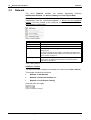
4 NetIdent
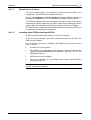
4.1 Setting IP Address using NetIdent Protocol
Note: The NetIdent protocol is only supported by Hilscher devices.
To reassign or to change the IP address of a device using the NetIdent
protocol:
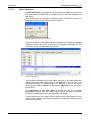
1. Select the device you want to configure from the Detected Devices.
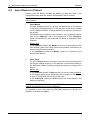
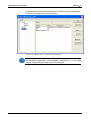
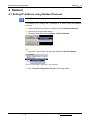
2. Open the IP Configuration dialog.
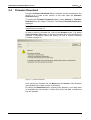
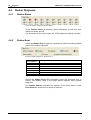
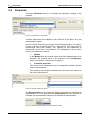
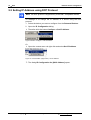
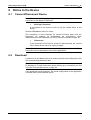
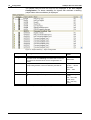
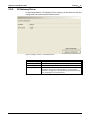
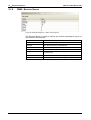
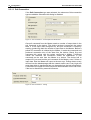
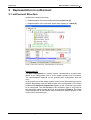
¾ Therefore click the button Configure > Set IP Address.
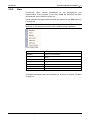
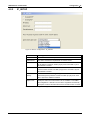
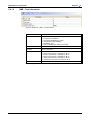
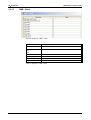
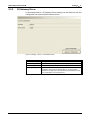
Figure 4: Button Configure > Set IP Address
Or
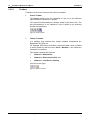
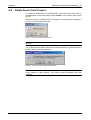
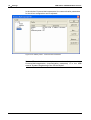
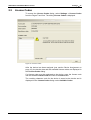
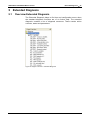
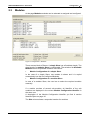
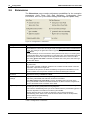
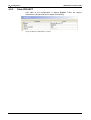
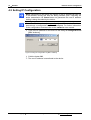
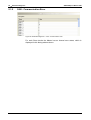
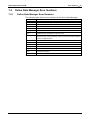
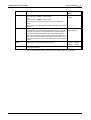
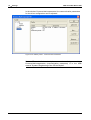
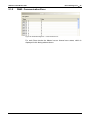
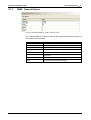
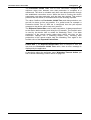
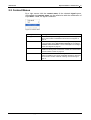
¾ Open the context menu via right click and select Set IP Address.
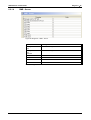
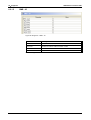
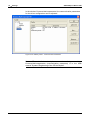
Figure 5: Context Menu (Right Click) - Set IP Address
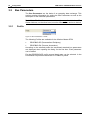
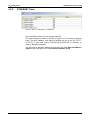
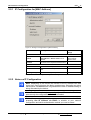
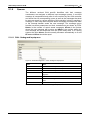
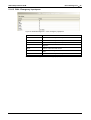
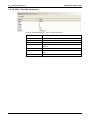
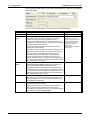
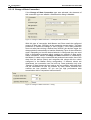
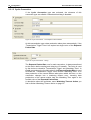
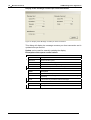
° The dialog IP Configuration for [MAC Address] opens.
Copyright • Hilscher Gesellschaft für Systemautomation mbH • Oi:ENDevCfg#2EN