1
Ver:1.0
Table of contents
1. Introduction............................................................................................................1
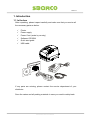
1.1 In the box ......................................................................................................1
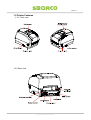
1.2 Printer Features ..........................................................................................2
1.2.1 Front view ...........................................................................................2
1.2.2 Rear view............................................................................................2
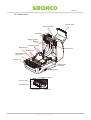
1.2.3 Interior view ........................................................................................3
2. Getting start ...........................................................................................................4
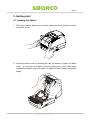
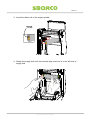
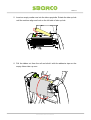
2.1 Loading the ribbon.....................................................................................4
2.2 Loading the media .....................................................................................8
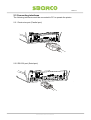
2.3 Connecting interfaces.............................................................................12
2.3.1 Centronics port (Parallel port) .......................................................12
2.3.2 RS-232 port (Serial port)................................................................12
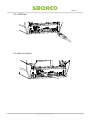
2.3.3 USB Slave ........................................................................................13
2.3.4 Ethernet (Option).............................................................................13
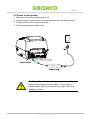
2.4 Power on the printer ................................................................................14
2.5 Control panel .............................................................................................15
3. Printer options.....................................................................................................17
3.1 Peeler installation.....................................................................................17
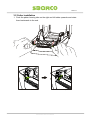
3.2 Cutter installation.....................................................................................24
4. LCD screen icons ...............................................................................................30
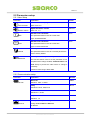
4.1 LCD screen information .........................................................................30
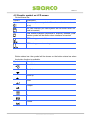
4.2 Graphic symbol on LCD screen ...........................................................31
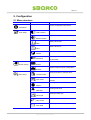
5. Configuration.......................................................................................................32
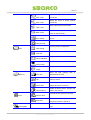
5.1 Menu structure ..........................................................................................32
5.2 Parameters setup .....................................................................................34
5.2.1 User Setup........................................................................................34
5.2.2 Communication setup.....................................................................34
5.2.3 Print Setup........................................................................................36
5.2.4 Test ....................................................................................................38
5.2.5 Memory .............................................................................................38
5.2.6 Form ..................................................................................................38
5.2.7 Warning message ...........................................................................39
5.2.8 Printer status ....................................................................................40
6. Troubleshooting..................................................................................................41
6.1 LCD error message ..................................................................................41
T4 series user’s manual
I