1
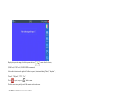
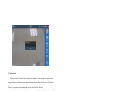
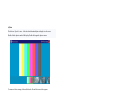
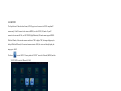
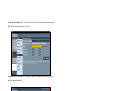
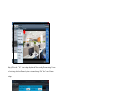
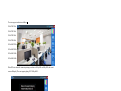
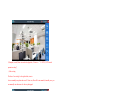
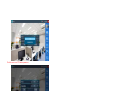
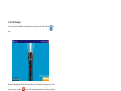
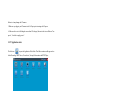
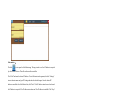
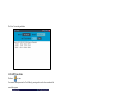
 Display the input video image, click the top menu bar icon
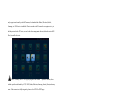
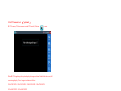
to enter video level meter,
(PEAK level, SYNC level, COLOR BURST measurement)
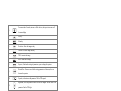
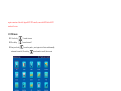
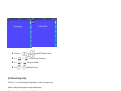
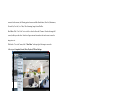
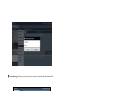
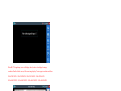
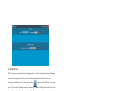
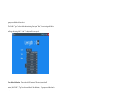
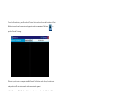
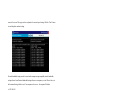
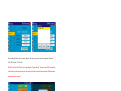
Select relative function on the right side Toolbar to operate , functions including “Photos”, “Snapshot” ,
“Record” , “Playback” , “PTZ” , “Set” ,
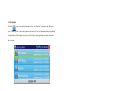
Click
to quit, or press
back to menu.
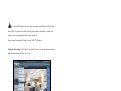
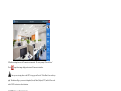
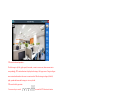
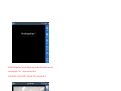
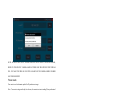
Click the screen twice quickly, can be full zoom in on the touch screen.
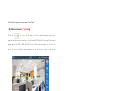
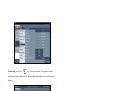
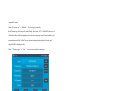
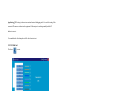
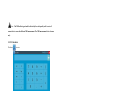
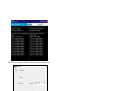
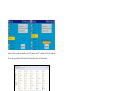
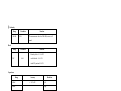
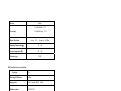
(1)PTZcontrollerparametersetting
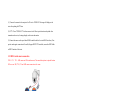
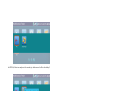
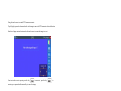
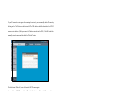
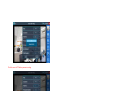
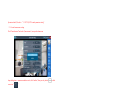
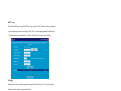
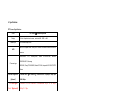
Select and click icon “PTZ”,to enter PTZ setting:
Page 24