1
GETTING STARTED
Note: If you are upgrading from a previous version of the Map Intelligence Business Objects Client, refer to
“Upgrading from a previous release” first.
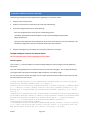
If the software has been downloaded then the installation must be done from the directories in which the installer
jar files are located. The Map Intelligence installer can be accessed from the start.exe.
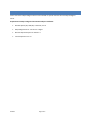
CLIENT INSTALLATION COMPONENTS
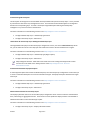
Install Agent – Installs the MI Client Agent
Install Connector– Installs the MI Client Connector.
DOCUMENTATION
Client Installation Guide – This guide explains how to install the Map Intelligence Client – Business Objects.
Client User Manual – This is a guide for Map Intelligence Users, providing instruction for using the Client.
End User License Agreement
Product documentation for Spectrum Spatial for Business Intelligence, including Map Intelligence SP and the clients
are located here:
support.pb.com/spectrum
All documentation can be found under the Solution Guides section of the Product Documentation
Readme
Page 2 of 9