1
e_kb376.book Page 67 Tuesday, August 10, 2004 1:46 PM
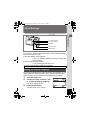
MENU
2, 3, 4
5
1
Rec. Mode
Recorded Pixels
Quality Level
White Balance
Focusing Area
AE Metering
Sensitivity
MENU
Exit
2560
AWB
Multi
Auto
OK
OK
R+C.
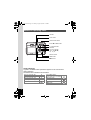
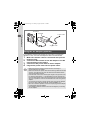
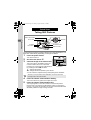
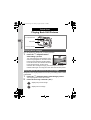
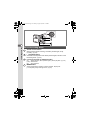
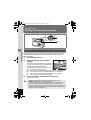
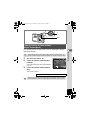
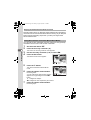
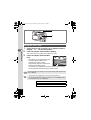
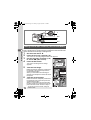
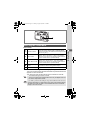
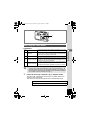
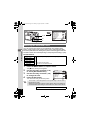
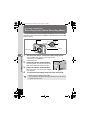
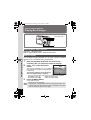
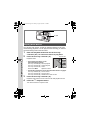
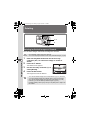
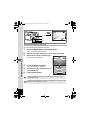
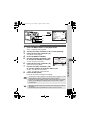
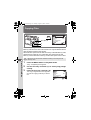
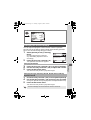
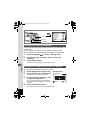
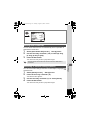
Adjusting the White Balance
You can take pictures in natural colors by adjusting the white balance
according to the light conditions at the time of shooting.
F
G
H
I
J
K
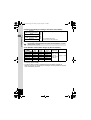
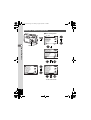
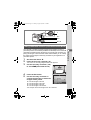
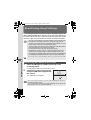
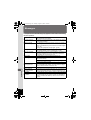
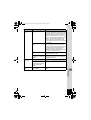
1
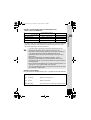
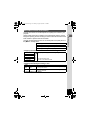
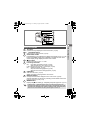
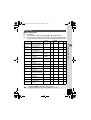
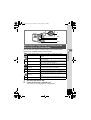
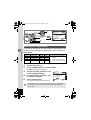
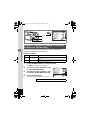
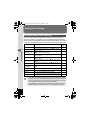
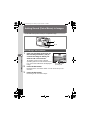
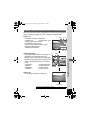
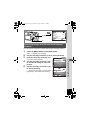
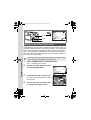
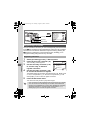
Auto
Daylight
Shade
The camera adjusts the white balance automatically.
Use this mode when taking pictures outside in sunlight.
Use this mode when taking pictures outside in the shade.
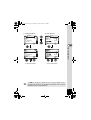
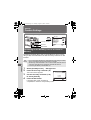
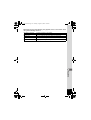
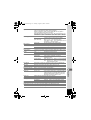
Use this mode when taking pictures under electric or other
Tungsten Light
tungsten light.
Fluorescent
Use this mode when taking pictures under fluorescent light.
Light
Use this mode when taking pictures by adjusting the white
Manual
balance manually.
Taking Pictures
White Balance
4
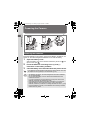
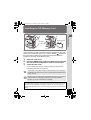
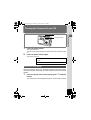
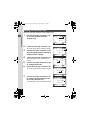
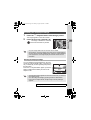
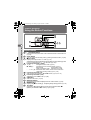
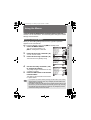
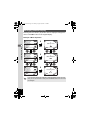
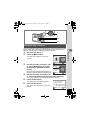
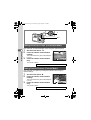
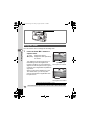
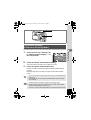
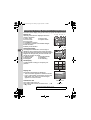
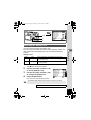
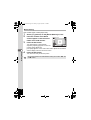
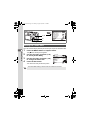
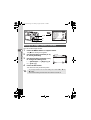
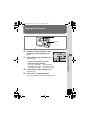
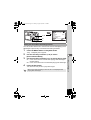
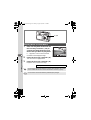
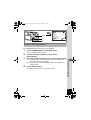
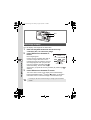
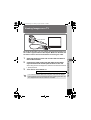
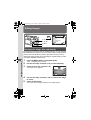
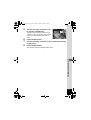
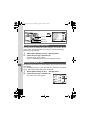
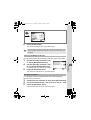
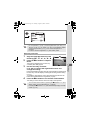
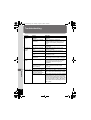
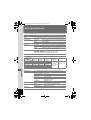
Press the MENU button in Capture mode.
The [A Rec. Mode] menu appears.
2
3
4
5
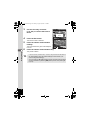
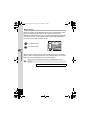
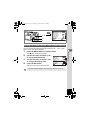
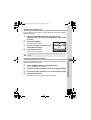
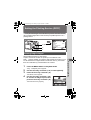
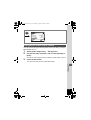
Use the four-way controller (23) to select
[White Balance].
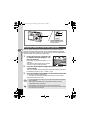
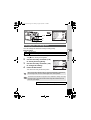
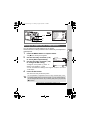
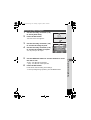
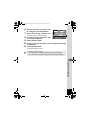
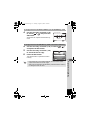
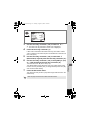
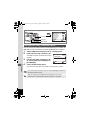
Press the four-way controller (5). W h i t e B a l a n c e
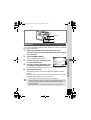
The White Balance screen appears.
AWB
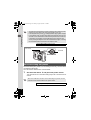
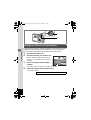
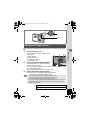
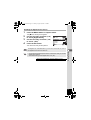
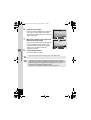
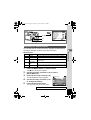
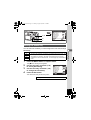
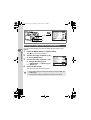
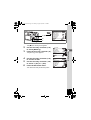
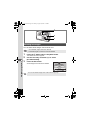
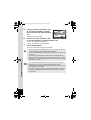
Use the four-way controller (23)
to change the setting.
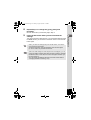
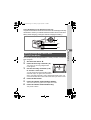
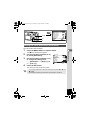
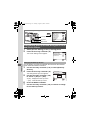
Press the OK button twice.
MENU
Exit
OK
OK
The camera is ready to take the picture.
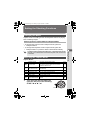
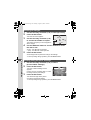
Saving the White Balance 1p.78
67