1
Overview of the EPICenter Alarm System
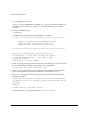
5 Click the Add/Modify Condition button to add this specification to the filter
definition.
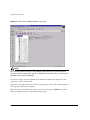
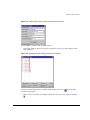
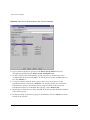
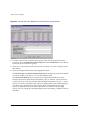
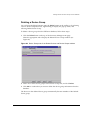
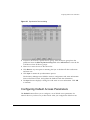
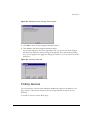
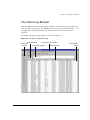
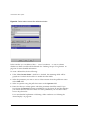
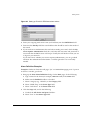
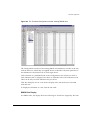
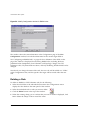
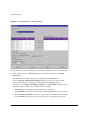
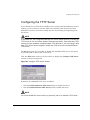
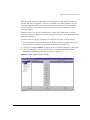
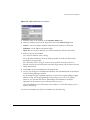
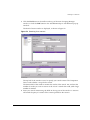
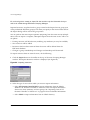
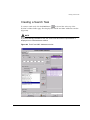
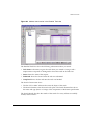
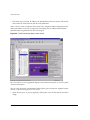
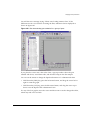
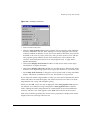
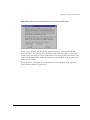
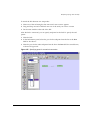
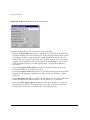
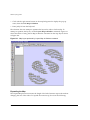
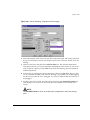
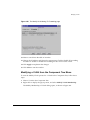
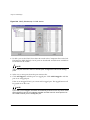
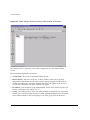
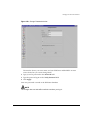
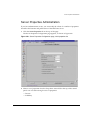
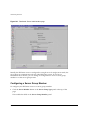
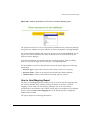
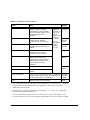
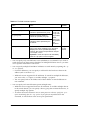
You can create a multi-criteria specification using more than one parameter, as
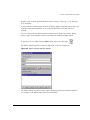
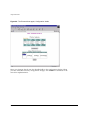
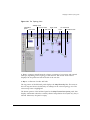
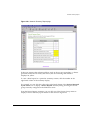
shown in Figure 36, as long as each parameter is different. You cannot filter using
multiple specifications of the same parameter.
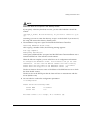
For example, in order to delete alarms for IP addresses 10.205.0.55 and 10.205.0.61,
you must do this in two operations.
6 To remove an individual criteria, select it in the current filter list and click the
Remove Condition(s) button. You can select and remove multiple filter criteria.
7 When your filter definition is complete, click Delete.
The alarm records that meet the conditions are deleted.
If you simply want to delete that last 300 alarms, leave the “View last 300 alarms” box
checked, and click Delete.
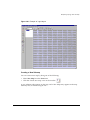
Viewing Alarm Details
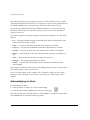
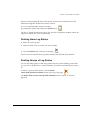
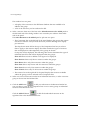
To view the details of an individual alarm:
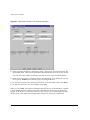
1 Select the alarm you want to view.
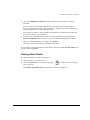
2 Click the Detail button at the top of the page,
entry in the log.
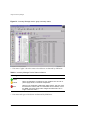
or double-click on the alarm
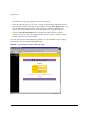
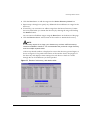
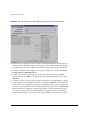
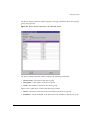
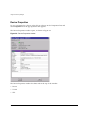
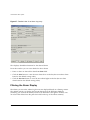
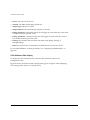
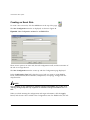
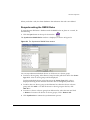
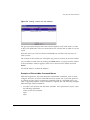
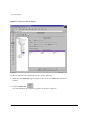
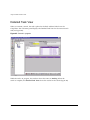
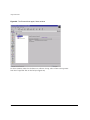
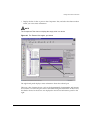
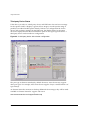
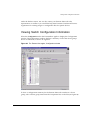
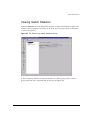
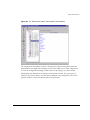
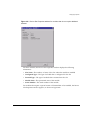
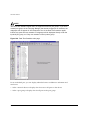
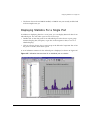
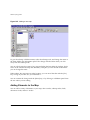
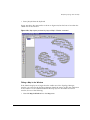
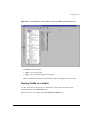
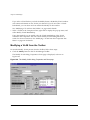
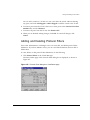
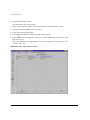
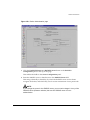
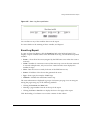
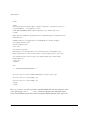
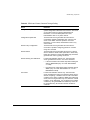
The Alarm Log Detailed View is displayed, as shown in Figure 36.
EPICenter Software Installation and User Guide
133