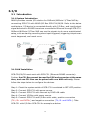
1
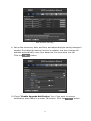
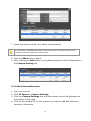
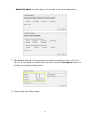
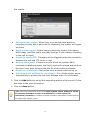
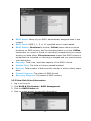
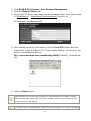
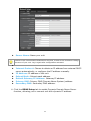
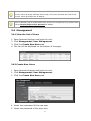
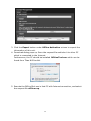
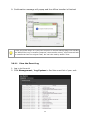
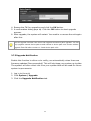
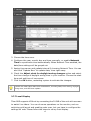
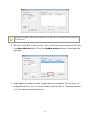
7. Insert the camera name, user name, and password.
To have better compatibility between camera and system, please make sure the
privilege of camera credential is admin-level.
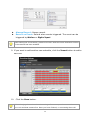
8. Click the Add button to add it.
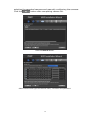
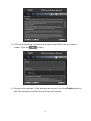
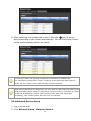
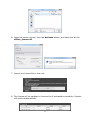
9. After clicking the Add button, the updated camera list will be displayed in
the Camera Setting tab.
2.1.2 Add Cameras Manually
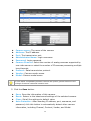
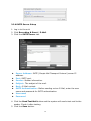
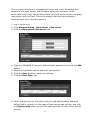
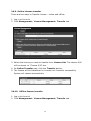
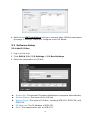
1. Log in to the unit.
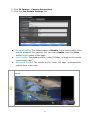
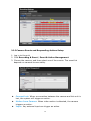
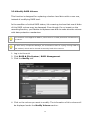
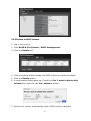
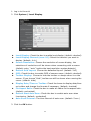
2. Click IP Camera / Camera Settings.
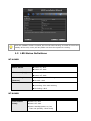
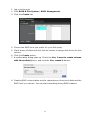
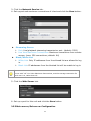
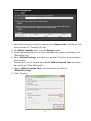
3. Click the Camera Settings tab, and the camera list will be displayed on
the bottom of the page.
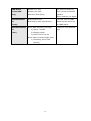
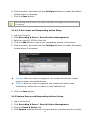
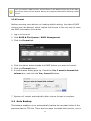
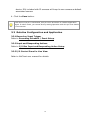
4. Click on the camera list for the channel you want to add and enter the
camera’s information.
19