1
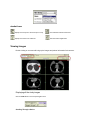
eJacket Icons
Displays the Study list to find and open a study.
Sets Individual eJacket Preferences.
Displays the Online User’s Manual.
Exits the eJacket Application.
Viewing Images
Double clicking on an exam will bring up the images and patient information for that exam.
Displaying all the study images
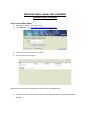
Click the View all link in the Study Navigation area.
Scrolling Through a Series