1
7 CONTROLS AND INDICATORS
NOTE
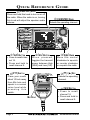
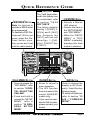
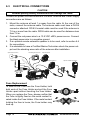
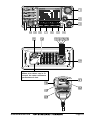
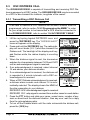
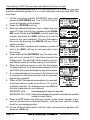
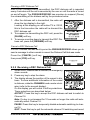
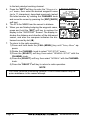
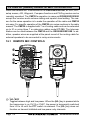
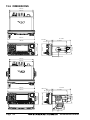
This section defines each control of the transceiver. See illustration at
the next page for location of controls. For detailed operating instructions
refer to chapter 8 of this manual.
7.1
CONTROLS AND CONNECTIONS
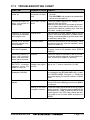
CHANNEL Knob
Rotary knob is used to select channels and to choose menu items (such
as the DSC menu, Radio Setup and DSC Setup menu). The [UP( )] /
[DOWN()] keys on the microphone can also be used to select channels
and menu items.
SECONDARY USE
Press this knob to enter a selection in the “SETUP MENU” or “DSC
MENU”.
While holding down the [SCAN] soft key and turning this knob, you can
confirm memory channels that have been programmed for scanning.
When in the PA or Fog mode, turning this knob changes the output volume of the connected horn speaker.
PWR/VOL Knob (Power Switch / Volume Control)
Turns the transceiver on and off as well as adjusts the speaker volume.
To turn the transceiver on, press and hold this knob until the radio turns on.
When the power is turned on, the transceiver is set to the last selected
channel. Clockwise rotation of this knob increases the internal and speaker
microphone volume.
To turn the transceiver off, press and hold this knob until the radio turns off.
SECONDARY USE
When in PA or Fog mode, controls the listen back volume (GX2100E only).
SQL Knob (Squelch Control)
Adjusting this control clockwise, sets the point at which random noise on
the channel does not activate the audio circuits but a received signal does.
This point is called the squelch threshold. Further adjustment of the squelch
control will degrade reception of wanted transmissions.
Page 28
GX2000E/GX2100E