1
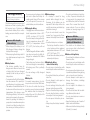
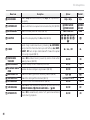
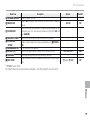
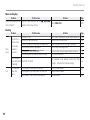
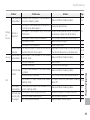
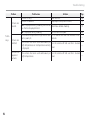
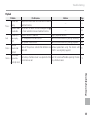
Shooting Mode
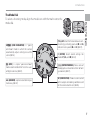
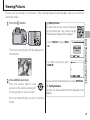
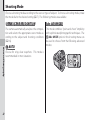
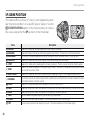
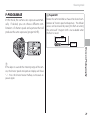
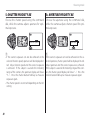
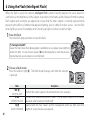
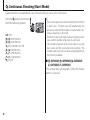
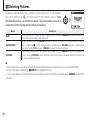
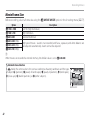
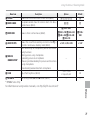
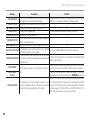
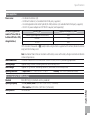
Choose a shooting mode according to the scene or type of subject. To choose a shooting mode, rotate
the mode dial to the desired setting (P 7). The following modes are available:
More on Photography
22
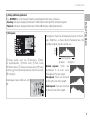
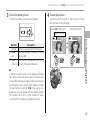
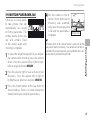
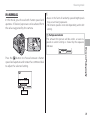
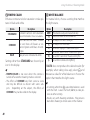
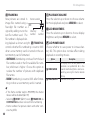
M SCENE RECOGNITION
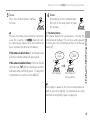
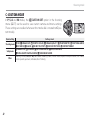
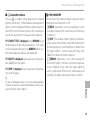
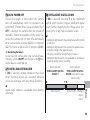
Adv. ADVANCED
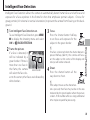
The camera automatically analyzes the composition and selects the appropriate scene mode according to the subject and shooting conditions
(P 16).
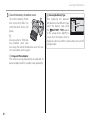
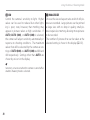
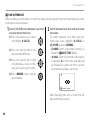
This mode combines “point-and-shoot” simplicity
with sophisticated photographic techniques. The
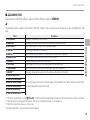
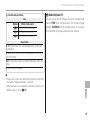
A Adv. MODE option in the shooting menu can
be used to choose from the following advanced
modes:
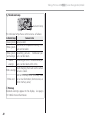
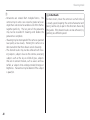
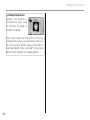
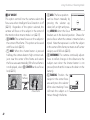
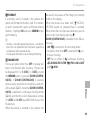
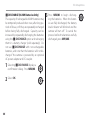
B AUTO
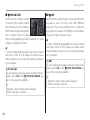
Choose for crisp, clear snapshots. This mode is
recommended in most situations.