1
Chapter 4 – VCCT Tab
1.
Overview
This tab contains the functionalities for entering VCCT register and monthly follow-up data;
such as, VCCT client registration, monthly follow up data etc. All these functionalities are
realized by some menus. These menus are:
(1)
(2)
(3)
(4)
VCCT Client Register
VCCT Cycle
Referral Records
Training
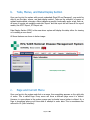
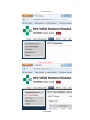
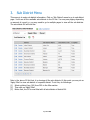
If you click on ‘VCCT’ tab, you’d be able to see above menus at the left and also the data
landing space i.e. data display section (DDS) at the right side. Please note that, you haven’t
yet clicked on any menu and thus no menu is marked as current menu i.e. no red arrow tip
at the left of selected menu.
This is the main section of the system that will be used by most users and most of the time.
2.
VCCT Client Register Menu
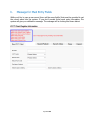
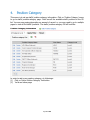
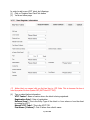
This menu is to do client registration into VCCT register. Click on ‘VCCT Client Register’ menu
to go to client registration page. To see the patients list of a particular registration unit do
followings:
(1)
(2)
(3)
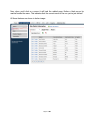
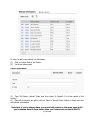
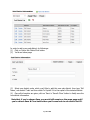
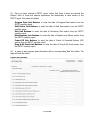
Select a VCCT Center (say, CHC Bairo Pite and then click on ‘Apply Filter’ button.
This will list all the VCCT clients from CHC Bairo Pite.
The page will look like as shown below:
Page 26 of 80