1
Project Design
331
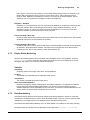
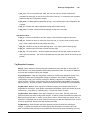
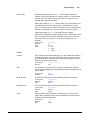
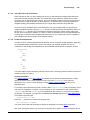
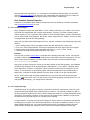
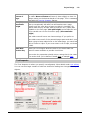
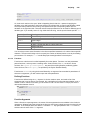
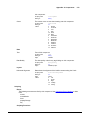
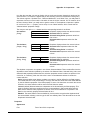
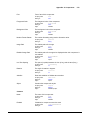
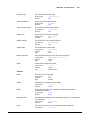
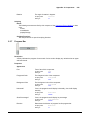
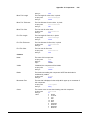
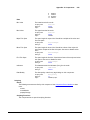
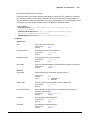
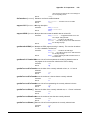
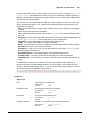
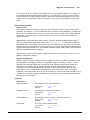
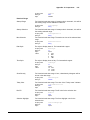
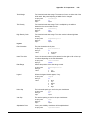
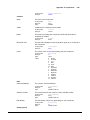
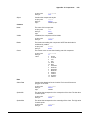
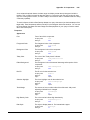
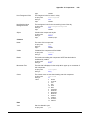
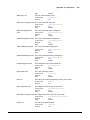
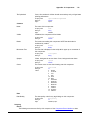
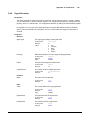
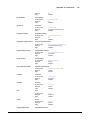
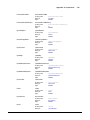
barcode. In the report designer, you can drag a data key into the text box, and the
barcode will be dynamic just like any other reporting component.
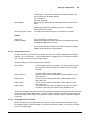
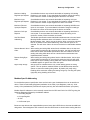
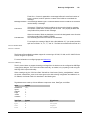
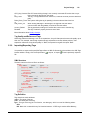
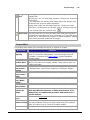
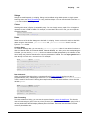
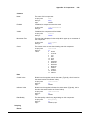
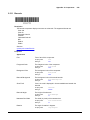
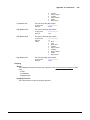
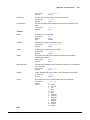
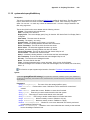
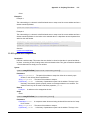
Properties
Value
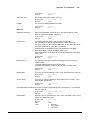
The value (code) that will be encoded as a barcode. Acceptable values vary
depending on the encoding type. Drag a data key (Like @SerialNum@ ) into the value
box to make the barcode dynamic.
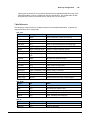
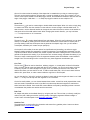
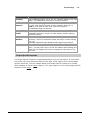
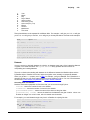
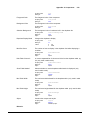
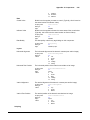
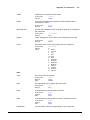
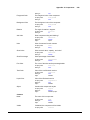
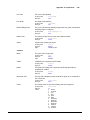
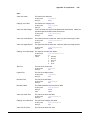
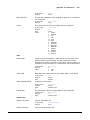
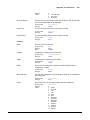
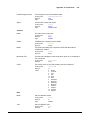
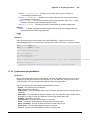
Type
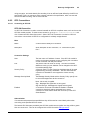
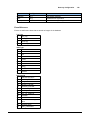
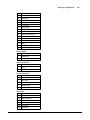
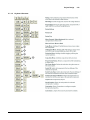
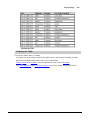
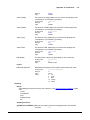
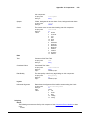
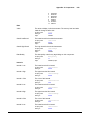
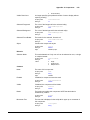
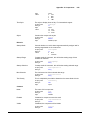
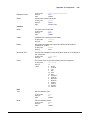
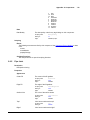
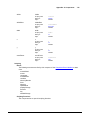
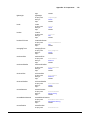
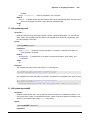
The encoding type of the barcode. Types are<
Code 39
Code 39 Narrow
Extended Code 39
Extended Code 39 Narrow
Code 128
Codabar
Codabar Narrow
Interleaved Code 25
Interleaved Code 25 Narrow
MSI
EAN 13
EAN 8
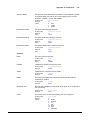
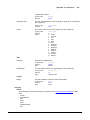
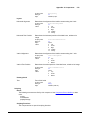
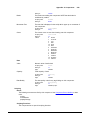
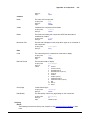
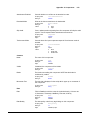
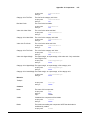
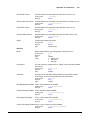
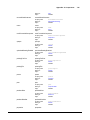
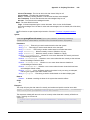
Bar Width
The width of a single bar.
Bar Height
The height of all bars.
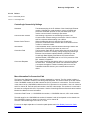
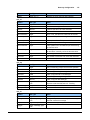
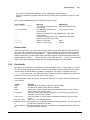
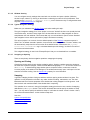
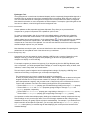
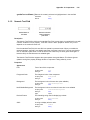
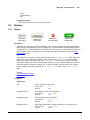
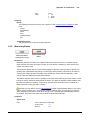
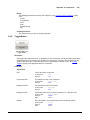
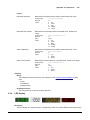
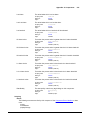
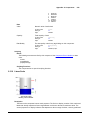
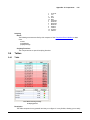
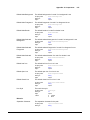
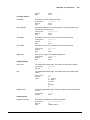
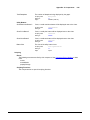
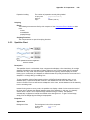
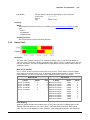
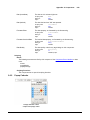
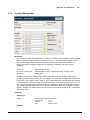
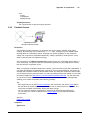
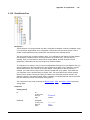
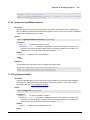
5.8.3.2.8 Simple Table
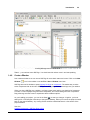
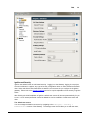
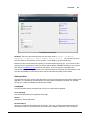
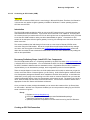
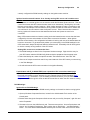
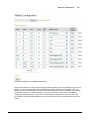
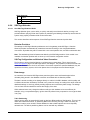
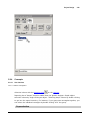
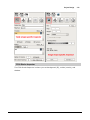
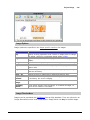
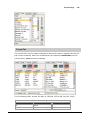
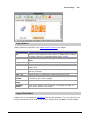
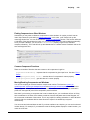
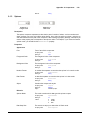
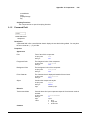
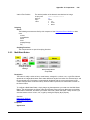
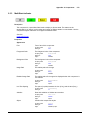
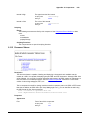
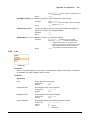
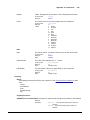
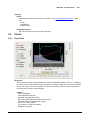
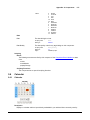
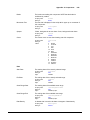
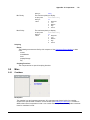
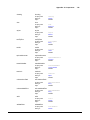
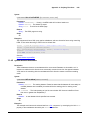
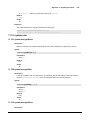
The Simple Table is a table of a fixed size that does not have a dataset key. It has an
intuitive superselection model.
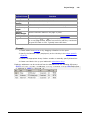
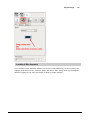
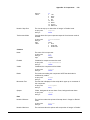
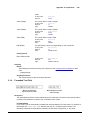
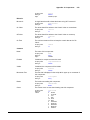
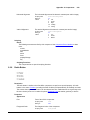
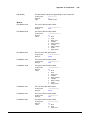
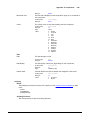
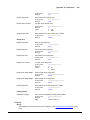
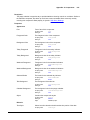
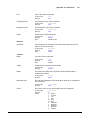
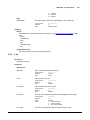
Property
Function
Rows
Specify number of rows
Columns
Specify number of columns
Header Row
Optional Header Row
© 2013 Inductive Automation