1
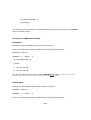
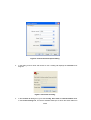
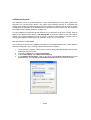
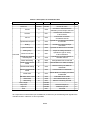
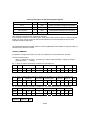
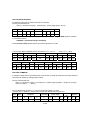
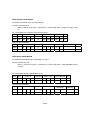
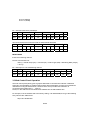
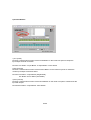
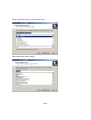
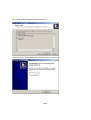
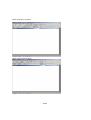
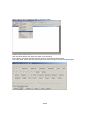
For example, if the current switching-pattern is same as step 1 as below and want to rotate the input
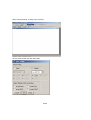
channels on output 1, 2, 3, 4, 5. Please check the rolling box 1, 2, 3, 4, 5 and set the interval you
want.
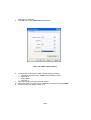
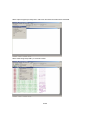
Then lowest channel Input LED and connected output channel LED on Router will be turned on. (In
this case input 1 and output 1 be tuned on)
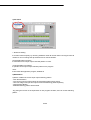
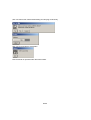
Single Rolling
- Push the 'Single' Button.
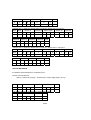
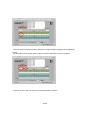
- The output will be changed repeatedly at specified interval from step 1 to step 6 and be finished
automatically.
- Even though the Rolling is on going, if you push the 'Stop' Button, the Rolling will is stopped.
- The output image will be remained on current state.
Unlimited Rolling
- It rotates the input continuously on the output display until the user pushes the 'Stop' Button.
- If you push the "stop" Button, at any time, rolling will be stopped, and it does not affect the
pre-saved switching-pattern
- If you want to quit the rolling, please select new pattern.
46/59