1
4.5 Firewall
4.5.1 Basics for Firewall
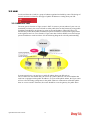
While the broadband users demand more bandwidth for multimedia, interactive applications,
or distance learning, security has been always the most concerned. The firewall of the Vigor
router helps to protect your local network against attack from unauthorized outsiders. It also
restricts users in the local network from accessing the Internet. Furthermore, it can filter out
specific packets that trigger the router to build an unwanted outgoing connection.
Firewall Facilities
The users on the LAN are provided with secured protection by the following firewall facilities:
z
User-configurable IP filter (Call Filter/ Data Filter).
z
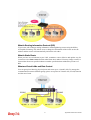
Stateful Packet Inspection (SPI): tracks packets and denies unsolicited incoming data
z
Selectable Denial of Service (DoS) /Distributed DoS (DDoS) attacks protection
IP Filters
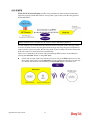
Depending on whether there is an existing Internet connection, or in other words “the WAN
link status is up or down”, the IP filter architecture categorizes traffic into two: Call Filter and
Data Filter.
z
Call Filter - When there is no existing Internet connection, Call Filter is applied to all
traffic, all of which should be outgoing. It will check packets according to the filter rules.
If legal, the packet will pass. Then the router shall “initiate a call” to build the Internet
connection and send the packet to Internet.
z
Data Filter - When there is an existing Internet connection, Data Filter is applied to
incoming and outgoing traffic. It will check packets according to the filter rules. If legal,
the packet will pass the router.
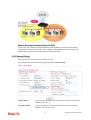
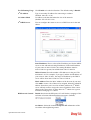
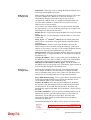
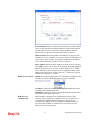
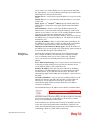
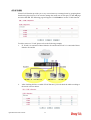
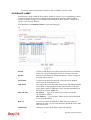
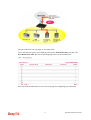
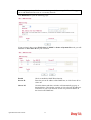
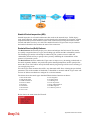
The following illustrations are flow charts explaining how router will treat incoming traffic
and outgoing traffic respectively.
Vigor2920 Series User’s Guide
98