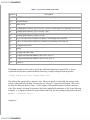
1
9.1.2.2 ERR
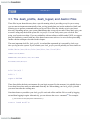
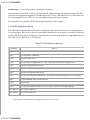
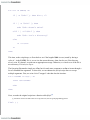
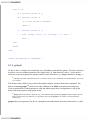
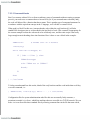
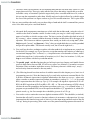
The fake signal ERR enables you to run code whenever a command in the surrounding script or function
exits with non-zero status. Trap code for ERR can take advantage of the built-in variable ? , which holds
the exit status of the previous command. It survives the trap and is accessible at the beginning of the
trap-handling code.
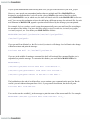
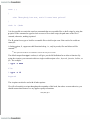
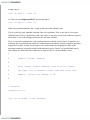
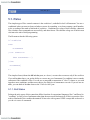
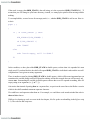
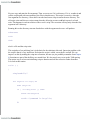
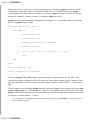
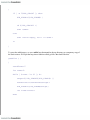
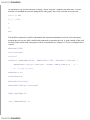
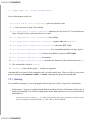
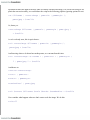
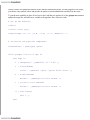
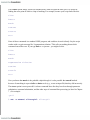
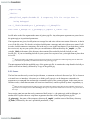
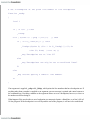
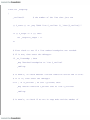
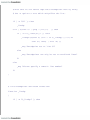
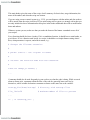
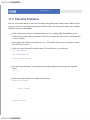
A simple but effective use of this is to put the following code into a script you want to debug:
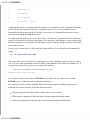
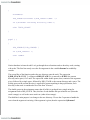
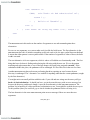
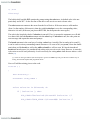
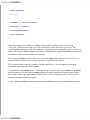
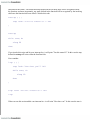
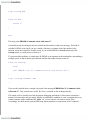
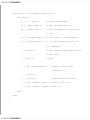
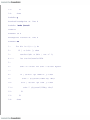
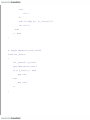
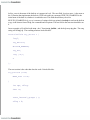
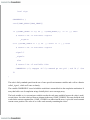
function errtrap {
es=$?
echo "ERROR: Command exited with status $es."
}
trap errtrap ERR
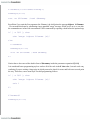
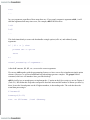
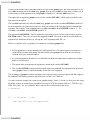
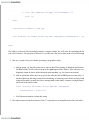
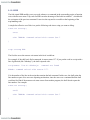
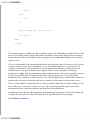
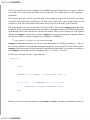
The first line saves the nonzero exit status in the local variable es .
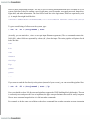
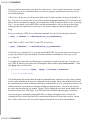
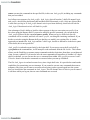
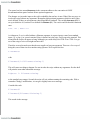
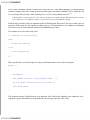
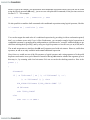
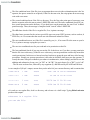
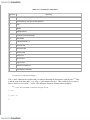
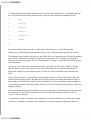
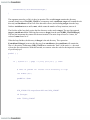
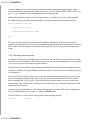
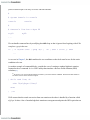
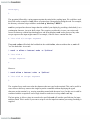
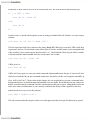
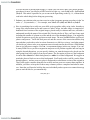
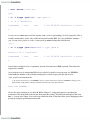
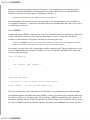
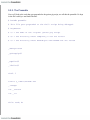
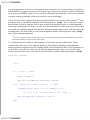
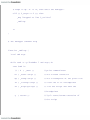
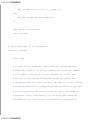
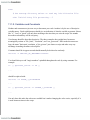
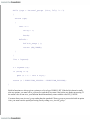
For example, if the shell can't find a command, it returns status 127. If you put the code in a script with a
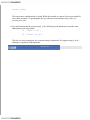
line of gibberish (like "nhbdeuje"), the shell responds with:
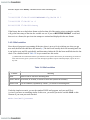
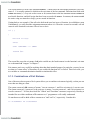
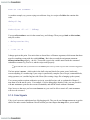
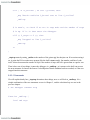
scriptname: line N: nhbdeuje:
command not found
ERROR: command exited with status 127.
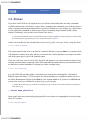
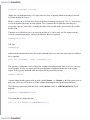
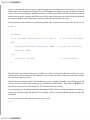
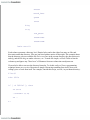
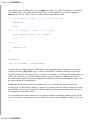
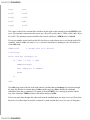
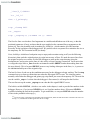
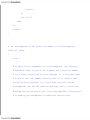
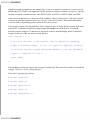
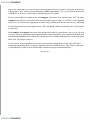
N is the number of the line in the script that contains the bad command. In this case, the shell prints the
line number as part of its own error-reporting mechanism, since the error was a command that the shell
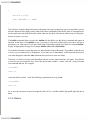
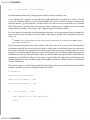
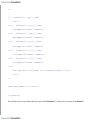
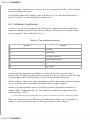
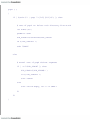
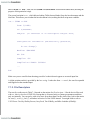
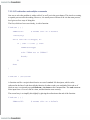
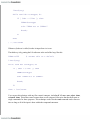
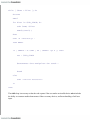
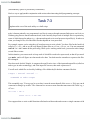
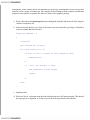
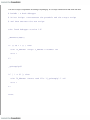
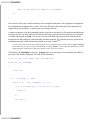
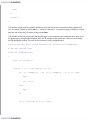
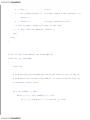
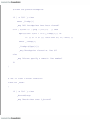
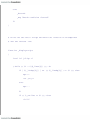
could not find. But if the nonzero exit status comes from another program, the shell doesn't report the
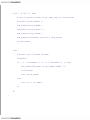
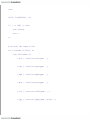
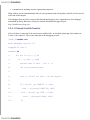
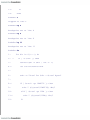
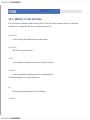
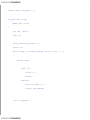
line number. For example:
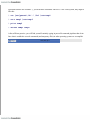
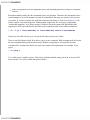
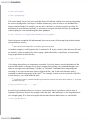
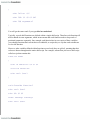
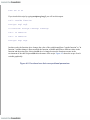
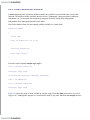
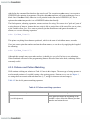
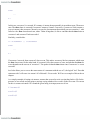
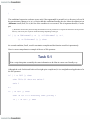
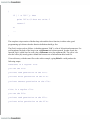
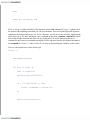
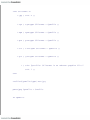
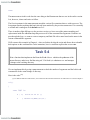
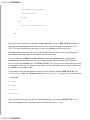
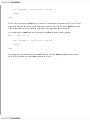
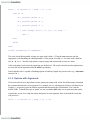
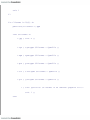
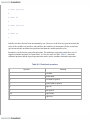
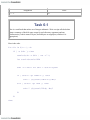
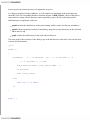
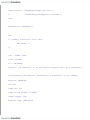
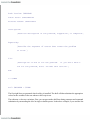
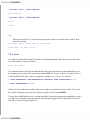
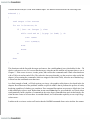
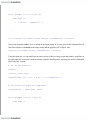
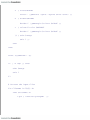
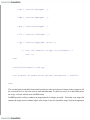
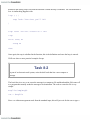
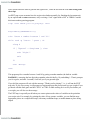
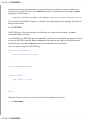
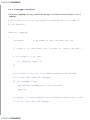
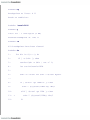
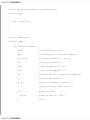
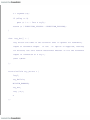
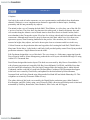
function errtrap {
es=$?
echo "ERROR: Command exited with status $es."
}