1
MUSAC Learning Management Interoperability
2010.6.6
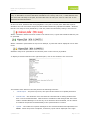
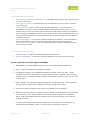
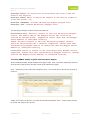
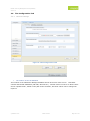
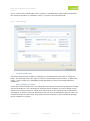
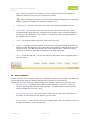
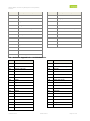
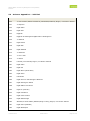
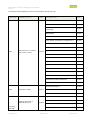
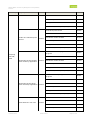
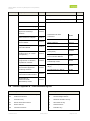
On the Assessment tab, to enable selection of NCEA, PAT, asTTle or STAR assessments the
Assessments box must be ticked for Assessments messages to be uploaded. The assessments
displayed for selecting via tickboxes are derived from the assessment column headings your school
has installed.
Click ‘Close’.
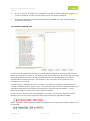
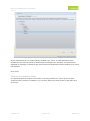
Selection of Installation Folder
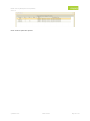
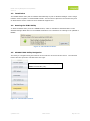
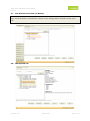
It is important that the location of the folder is correctly pathed here. This is where the LMS
Transport Utility checks for messages. If you need to change the path, browse to the folder and
click ‘Save’.
© MUSAC 2010
BETA Product
Page 41 of 67