1
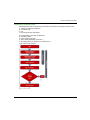
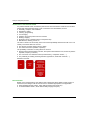
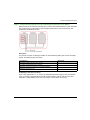
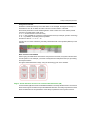
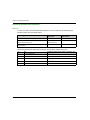
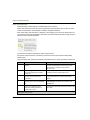
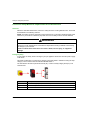
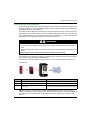
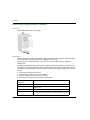
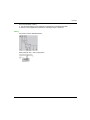
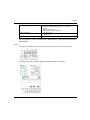
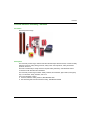
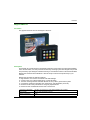
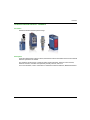
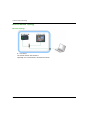
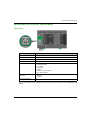
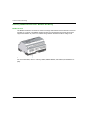
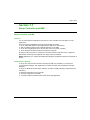
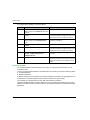
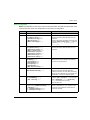
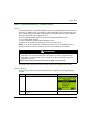
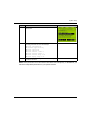
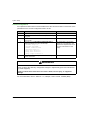
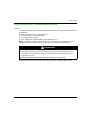
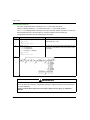
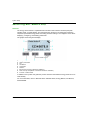
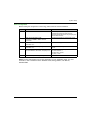
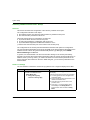
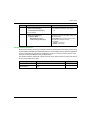
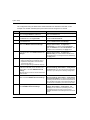
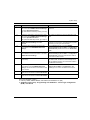
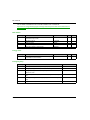
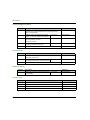
System Setup Altivar 71 Variable Speed Drive - CANopen Setup Overview To operate the Altivar 71 via CANopen fieldbus, the communication parameters have to be set for the device. In addition to this, it is mandatory to set the parameter of the connected motor in the drive. Further configuration settings are dependent on your application and on the installation. There are several options to configure the drive: by the integrated display terminal on the front of the drive (dependent on type) by a graphic display terminal* by the configuration software SoMove installed on a PC* (* linked to the integrated communication port on the front of the drive) NOTE: If a device has already been configured for some other use, re-establish the factory settings. Instructions on how to do this can be found in the respective documentation. DANGER UNINTENDED EQUIPMENT OPERATION Verify that both wiring and mounting are correct before you start to configure the drive. Verify that an unintentional start of the connected motor will not endanger personnel or equipment in any way. Failure to follow these instructions will result in death or serious injury. If necessary, disconnect the motor from the drive to prevent an unintentional motor start. CANopen Settings The following steps to set up the drive are based on the configuration by the graphic display terminal. Step Action 1 Select 1 DRIVE MENU and press ENT key of the jog dial. 2 Select 1.9 COMMUNICATION and press ENT key of the jog dial. EIO0000001677 06/2014 Graphic/Comment - 171