1
Reference Section
5.6.4
127
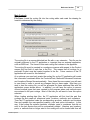
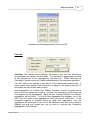
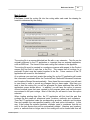
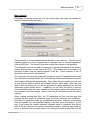
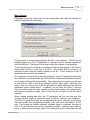
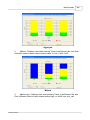
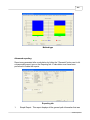
Path thickness
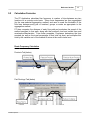
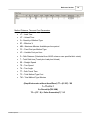
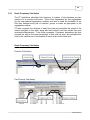
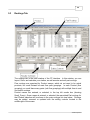
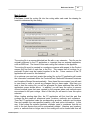
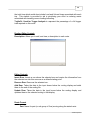
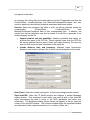
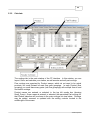
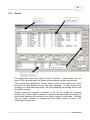
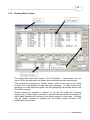
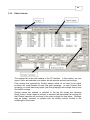
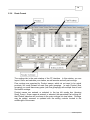
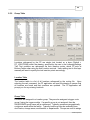
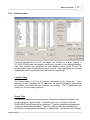
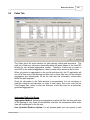
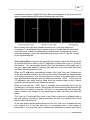
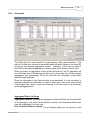
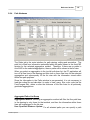
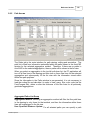
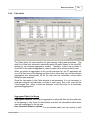
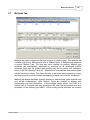
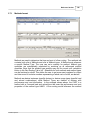
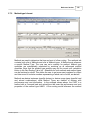
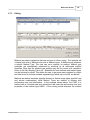
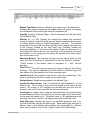
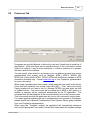
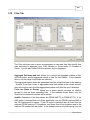
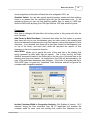
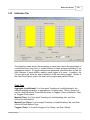
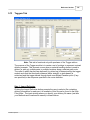
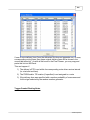
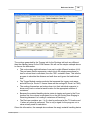
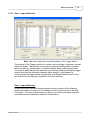
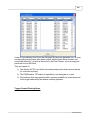
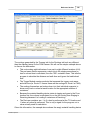
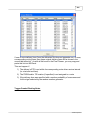
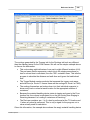
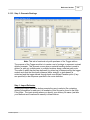
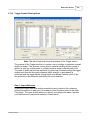
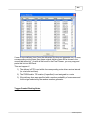
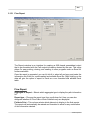
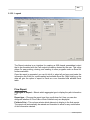
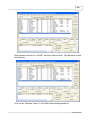
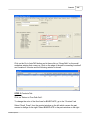
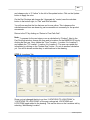
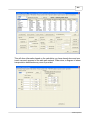
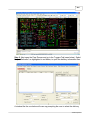
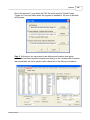
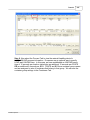
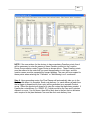
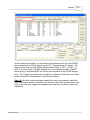
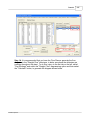
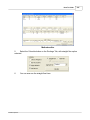
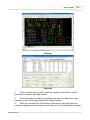
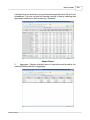
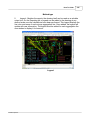
The Paths tab is the main interface for path viewing, editing and annotation. The
path list is filled from information embedded within the paths shown in the AutoCAD
window for the selected aggregation method. Therefore, if there are no paths in
AutoCAD for the selected aggregation, then no paths will be shown in the list view.
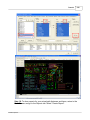
When you select an aggregation in the top-left pull-down list, the FP application will
turn off all flow lines in the drawing and then turn on those flow lines for the selected
aggregation and subsequently fill the list view with the information stored within
those flow path polylines.
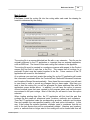
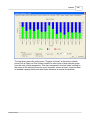
Since the information in the Paths window is pre-generated, it is not necessary to
load the routing file and calculate it in order to view, query, filter, color code (via the
Freq/Congest tab), delete or alter the thickness of the flow lines for all previously
generated aggregations.
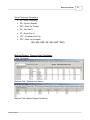
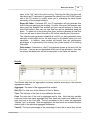
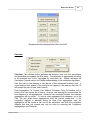
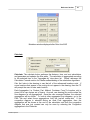
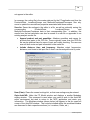
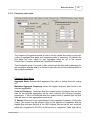
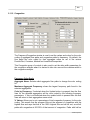
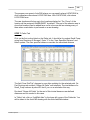
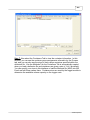
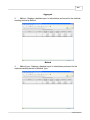
Aggregated Paths List Group
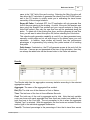
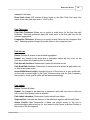
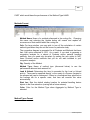
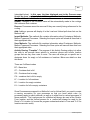
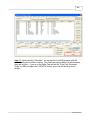
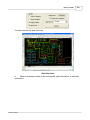
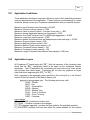
Aggregation Method: Selecting an aggregation method will filter the flow path lines
in the drawing to only those for that method, and then the information within those
lines will be displayed in the list view.
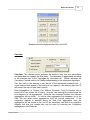
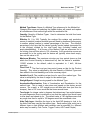
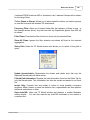
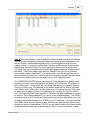
User Specified Distance Update: For all selected paths you can specify a path
© 2006 Proplanner