1
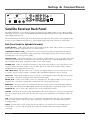
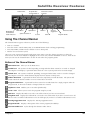
Satellite Receiver Features
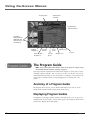
Active profile
Current time and date
Program titles
and information
Selectable
Advertisements
(highlight and
select for more
information).
Viewing
Suggestions
Sorts by
Movies
Active Profile’s
Preferences
Scroll
down
Sorts by
Sports
AlphaSort™
Scout™
Channel sort
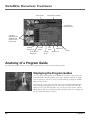
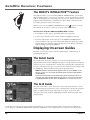
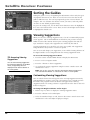
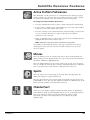
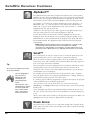
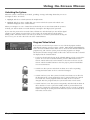
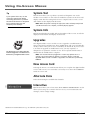
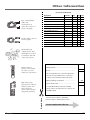
Anatomy of a Program Guide
The following diagram shows you the kind of information you will see in the program guides.
Displaying the Program Guides
To access the program guides, press MENU on the remote control and select
Program Guides, then the guide of your choice (Default, Channel, or Logo).
You can quickly access the receiver’s Default Guide by pressing the GUIDE
button on the remote.
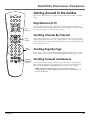
To change the current user, press the remote control’s WHO•INPUT button
while viewing programming, then use the remote control’s arrow and OK
buttons to select the desired profile. You can also press the remote control’s
MENU button, then select Program Guides, and then Select User to display the
list of profiles from which to choose.
32
Chapter 3