1
UM1520
Running the demonstration
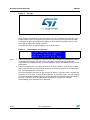
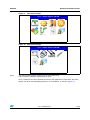
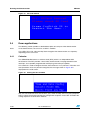
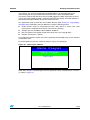
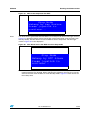
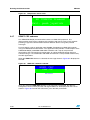
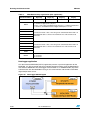
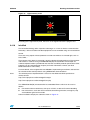
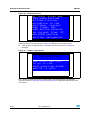
Figure 9.
Main menu config1
APP Main Menu Name
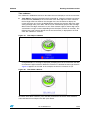
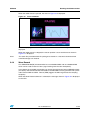
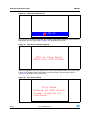
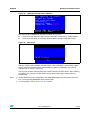
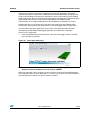
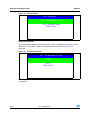
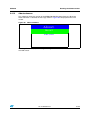
Figure 10. Main menu config2
APP Main Menu Name
Note:
The icons shown in Figure 9 and in Figure 10 are taken from
http://commons.wikimedia.org/wiki/Crystal_Clear.
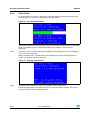
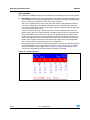
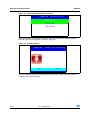
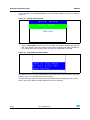
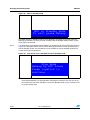
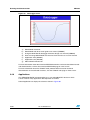
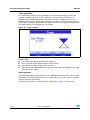
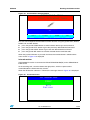
Once a submenu has been selected, the name of the application is listed at the top of the
display and all the corresponding submenus are listed below, as shown in Figure 11.
Doc ID 022862 Rev 1
15/66