1
Dashboard Operation
To use the Verizon U620L Dashboard, do the following:
➊➊
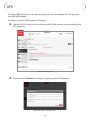
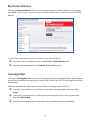
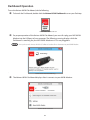
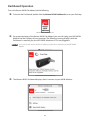
To launch the Dashboard, double-click the Verizon U620L Dashboard icon on your Desktop:
Verizon U620L Dashboard Icon
➋➋
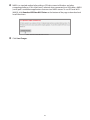
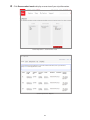
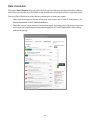
For proper operation of the Verizon U620L Dashboard, you must first plug your MiFi U620L
Modem into the USB port of your computer. The following warning displays while the
Dashboard is searching for your MiFi U620L Modem or if it is not plugged in:
NOTE It may take several minutes while the Dashboard searches for and connects to your MiFi U620L
Modem.
.
Verizon U620L Dashboard Warning
➌➌
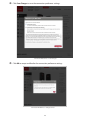
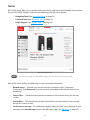
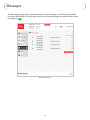
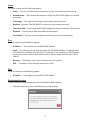
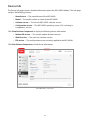
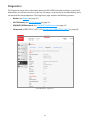
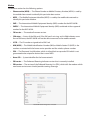
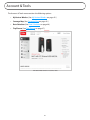
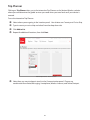
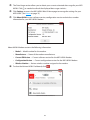
The Verizon U620L Dashboard displays after it connects to your U620L Modem:
Verizon U620L Dashboard
60