1
3
Cable Testing with the FrameScope 350
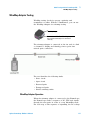
WireMap Adapter Testing
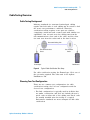
is measured by the receiver of the FrameScope. The
FrameScope software identifies wiremap information based
on the readings.
LED Indicators
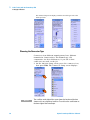
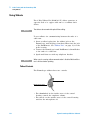
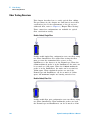
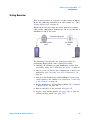
The wiremap adapter has four LEDs, each connected to a
wire pair. After completion of a test, if all pairs are correctly
connected, all four LEDs will light up. The LED
corresponding to a pair that is not properly connected will
remain off (not lighted). These LED indicators can assist in
testing such that the person located at the remote end can
get a quick idea of the results.
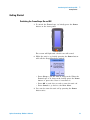
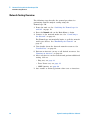
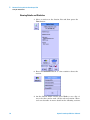
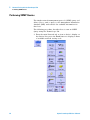
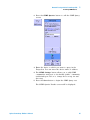
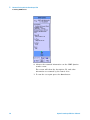
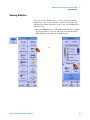
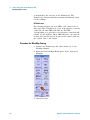
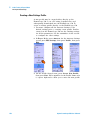
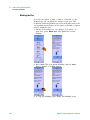
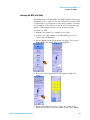
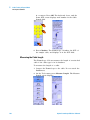
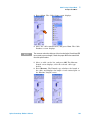
Procedure for WireMap Testing
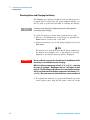
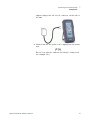
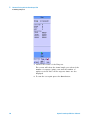
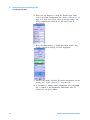
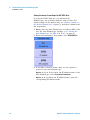
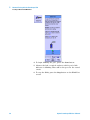
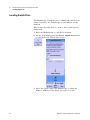
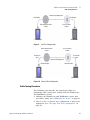
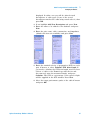
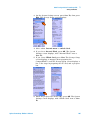
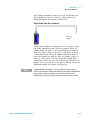
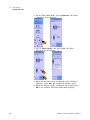
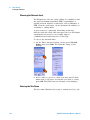
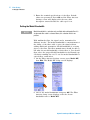
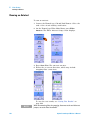
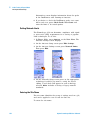
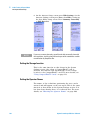
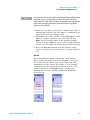
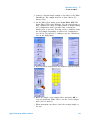
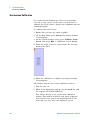
1 Connect the FrameScope and cable under test to the
WireMap Adapter.
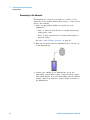
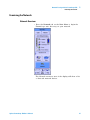
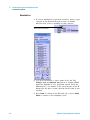
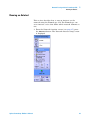
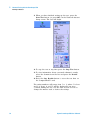
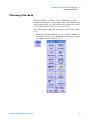
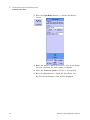
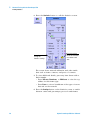
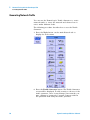
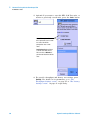
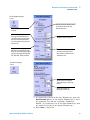
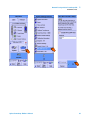
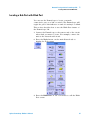
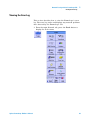
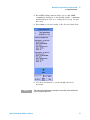
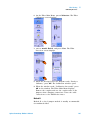
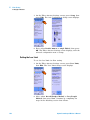
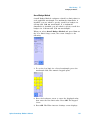
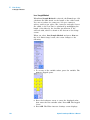
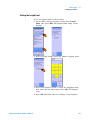
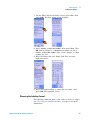
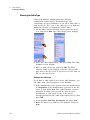
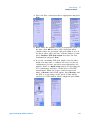
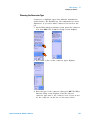
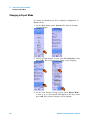
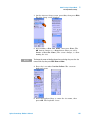
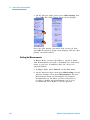
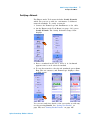
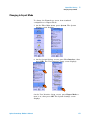
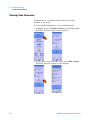
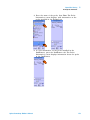
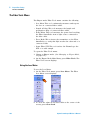
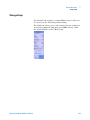
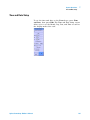
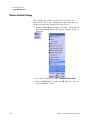
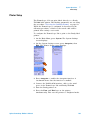
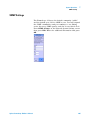
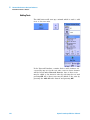
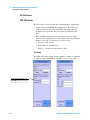
2 From the Network Main Menu, press Tools, then press
WireMap.
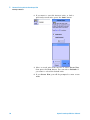
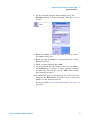
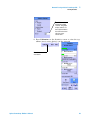
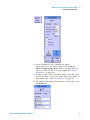
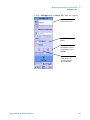
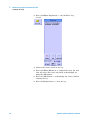
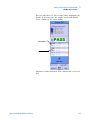
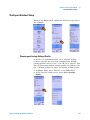
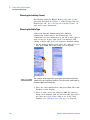
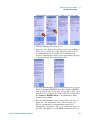
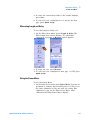
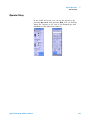
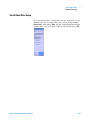
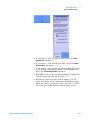
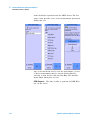
3 Click Start Test.
118
Agilent FrameScope 350 User’s Manual