1
Fiber Testing
4
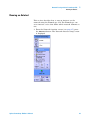
Setting Up an Autotest
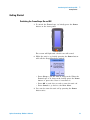
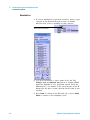
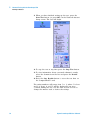
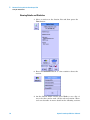
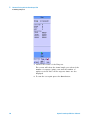
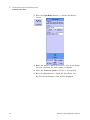
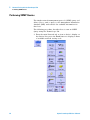
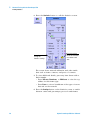
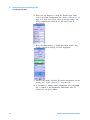
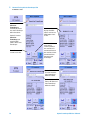
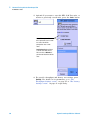
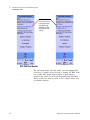
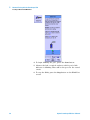
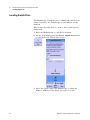
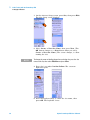
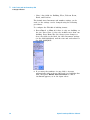
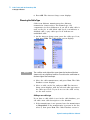
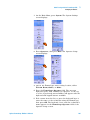
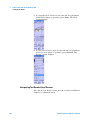
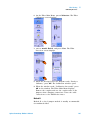
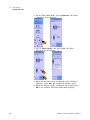
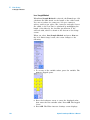
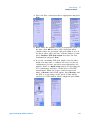
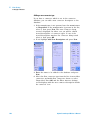
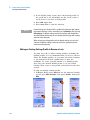
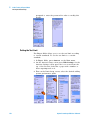
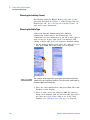
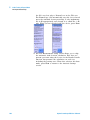
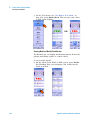
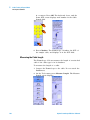
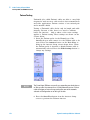
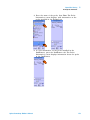
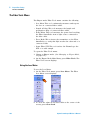
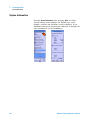
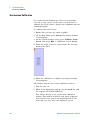
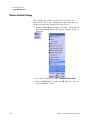
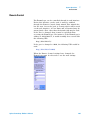
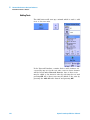
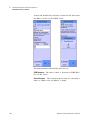
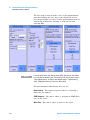
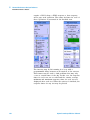
4 Select the fiber construction that is appropriate and press
Next.
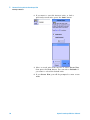
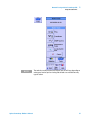
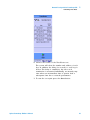
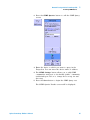
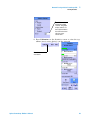
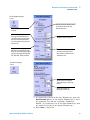
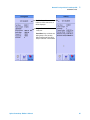
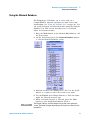
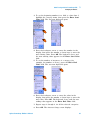
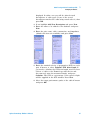
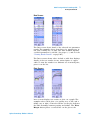
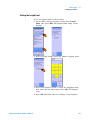
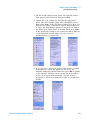
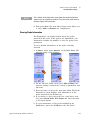
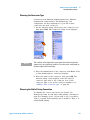
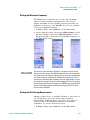
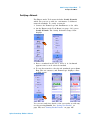
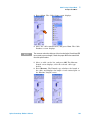
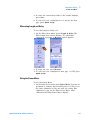
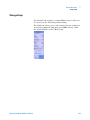
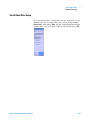
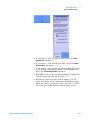
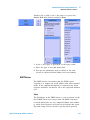
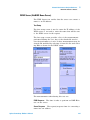
5 Enter either the nominal velocity of propagation (NVP) of
the fiber cable, OR the fiber cable’s refractive index
(default values are presented) and press Next. If you do
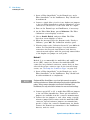
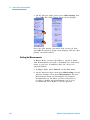
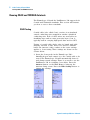
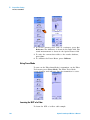
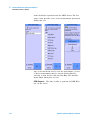
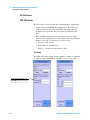
not know either value, but have a known length of cable,
select Calculate NVP from length and select the Test
Configuration and press Next.
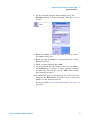
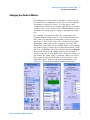
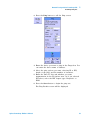
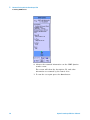
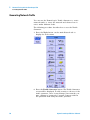
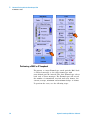
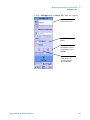
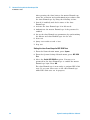
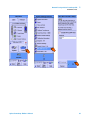
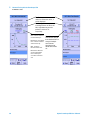
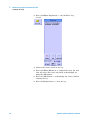
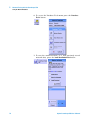
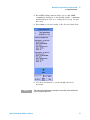
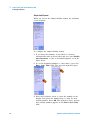
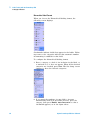
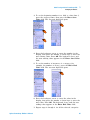
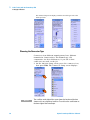
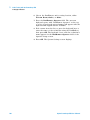
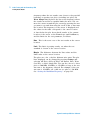
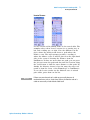
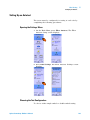
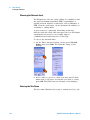
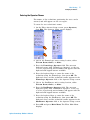
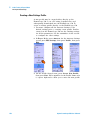
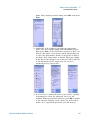
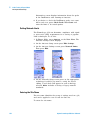
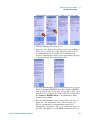
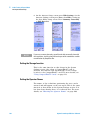
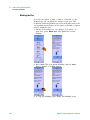
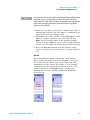
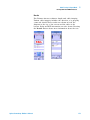
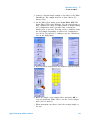
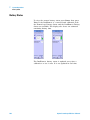
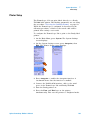
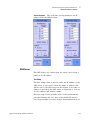
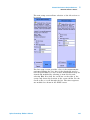
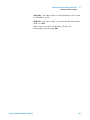
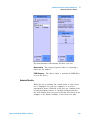
6 If you are calculating NVP from length, enter the fiber
length. You may have to calibrate the tester in the test
configuration you have specified, using appropriate test
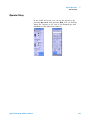
jumpers. There is a Quick Setup button for specifying the
test configuration and fiber construction for the NVP
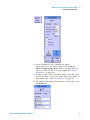
measurement. When the proper connection has been
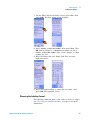
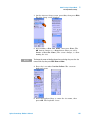
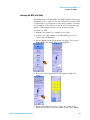
made, a Measure button will appear. Press Measure and
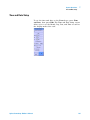
the NVP as a percentage of the speed of light will be
entered in to NVP window. When completed, press Next.
Agilent FrameScope 350 User’s Manual
137