1
The Basics
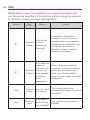
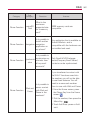
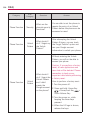
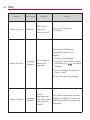
Swype Tips
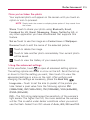
Access the Swype Tips to watch a video or tutorial on using Swype.
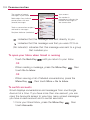
You can also use the following Swype text entry tips.
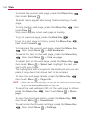
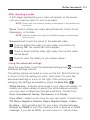
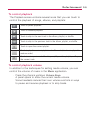
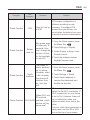
'
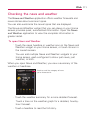
Create a squiggle (like an S shape) to create a double letter
(such as pp in apple).
'
Touch and hold a key to enter the alternate letter or symbol
located at the top right corner of the key.
'
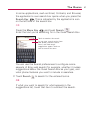
Move your finger or stylus over the apostrophe to enter
contractions.
'
Double-touch on the word you want to change to correct a
misspelled word.
'
Touch the delete key to erase one character. Touch and hold
the delete key to erase an entire word.
Swype Settings
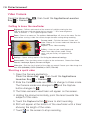
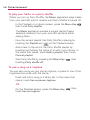
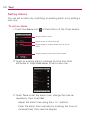
To configure Swype settings
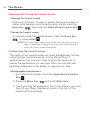
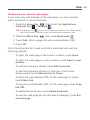
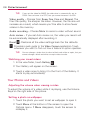
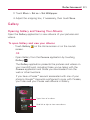
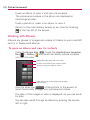
1. From the Home screen, touch the Applications Launcher
Key
> Settings
Language & keyboard > Swype.
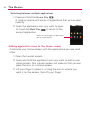
2. Touch one of the following Swype settings to configure the
setting:
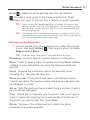
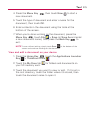
Preferences settings
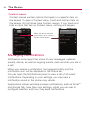
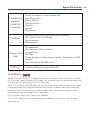
Preferences settings provide access to Swype operation
preferences.
Language allows you to select the current text input language.
Default language is US English.
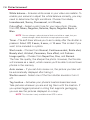
Word prediction allows you to use a built-in word database to
predict words while entering text in Swype.
39